76 Getting Connected
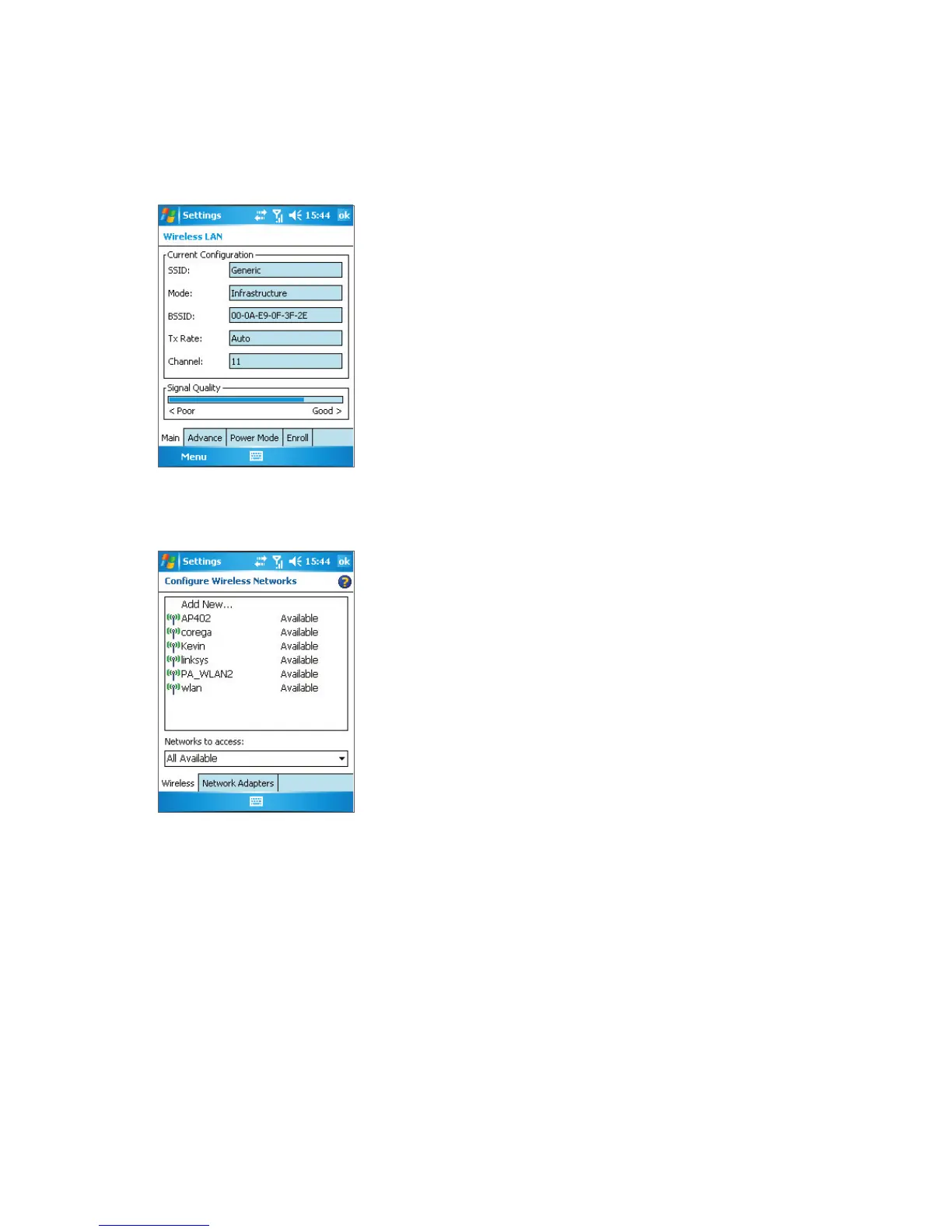
• Configure Wireless Networks screen. Tap Start > Settings > Connections tab >
Network Cards. This screen displays the wireless networks currently available, and
allows you to add new ones if available.
Note Wi-Fi networks are self-discoverable, meaning that no additional steps are required for the phone
to connect to a Wi-Fi network. It may be necessary to provide a username and password for
certain closed wireless networks, however.



 To Next Page