Maintenance and troubleshooting
20.08.2012 Page 40 of 42 Rev. 04
6.4 Reporting and repairing faults
6.4.1 Warnings
Before reading out the results, the analyser checks whether the set warning
limits have been exceeded.
The following warnings are given on the display and the printer:
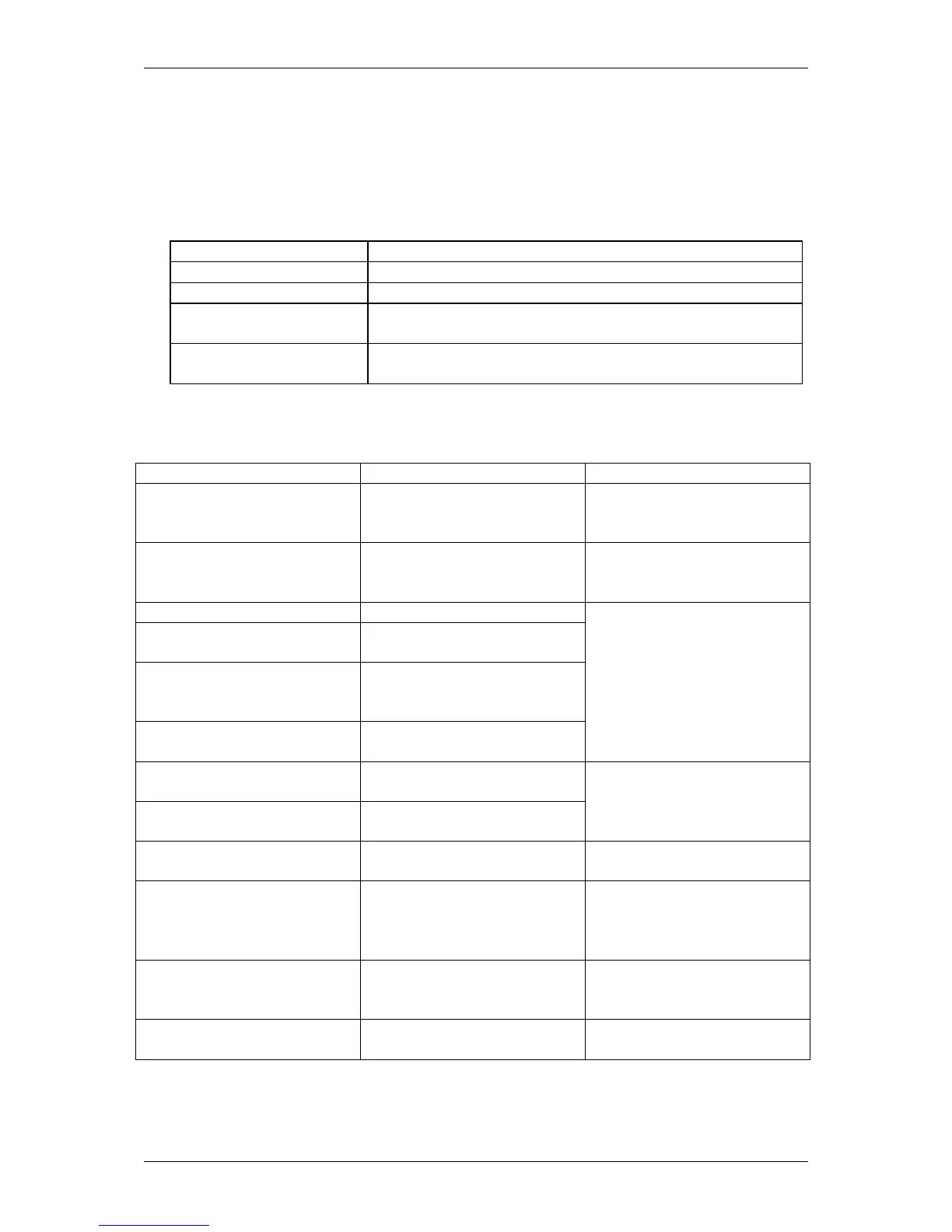
Warning Meaning
++++ Measurement range exceeded
---- Measurement range below limits
!! Sample or control warning limits exceeded
*! Previous control measurement outside the control
limits and below or above the sample warning
Error message Meaning Action
Error pump Pump / flow system
Check pump head
(chapter 6.3.4). Call
service
Exchange reagent kit! System solution in
Exchange containerkit
according to section
6.3.3
Insert operation card No operation card
Wrong operation card Operation card is not
Operation card *empty* Operation card not
properly inserted or
operation card empty
Operation card typing
error
Insert a correct operation
card and confirm by
pressing Enter-key
“no sensor” or “sensor
defective”
Sensor is not properly
recognized
Sensor “run out” or
sensor “used up”
Sensor is used longer
than its lifetime
Use other sensor; if this
happens repeatedly, call
service
Error photometer Photometer measuring
if this happens
repeatedly, call service
Photometer unstable
Zero line unstable
Photometer signal
variation is too strong
Solution polluted or air in
cell (wrong solution),
photometer defective;
call service
Sample rotor defective The sample rotor cannot
Turn device off, check for
mechanical block. Call
service
Sample taker defective The sample taker cannot
Turn device off. Call
service
Fig. 6.7 Table of measurement errors


 To Next Page