REGARD 8-Input 4-20 Module & 8-Channel Display Card (ATEX Version)
Issue 2. October 2011
28
Set over-range latch
If the gas level exceeds the current FSD setting then ‘FSD’ will flash on and off in the
display alongside the appropriate head or channel number. Normally this display is
latched so that if the gas level falls the FSD over-range indication remains. This is useful
in situations where flammable gas detectors are used where gas concentrations greater
than LEL can cause the output from the head to drop.
This command allows the latching operation to be disabled.
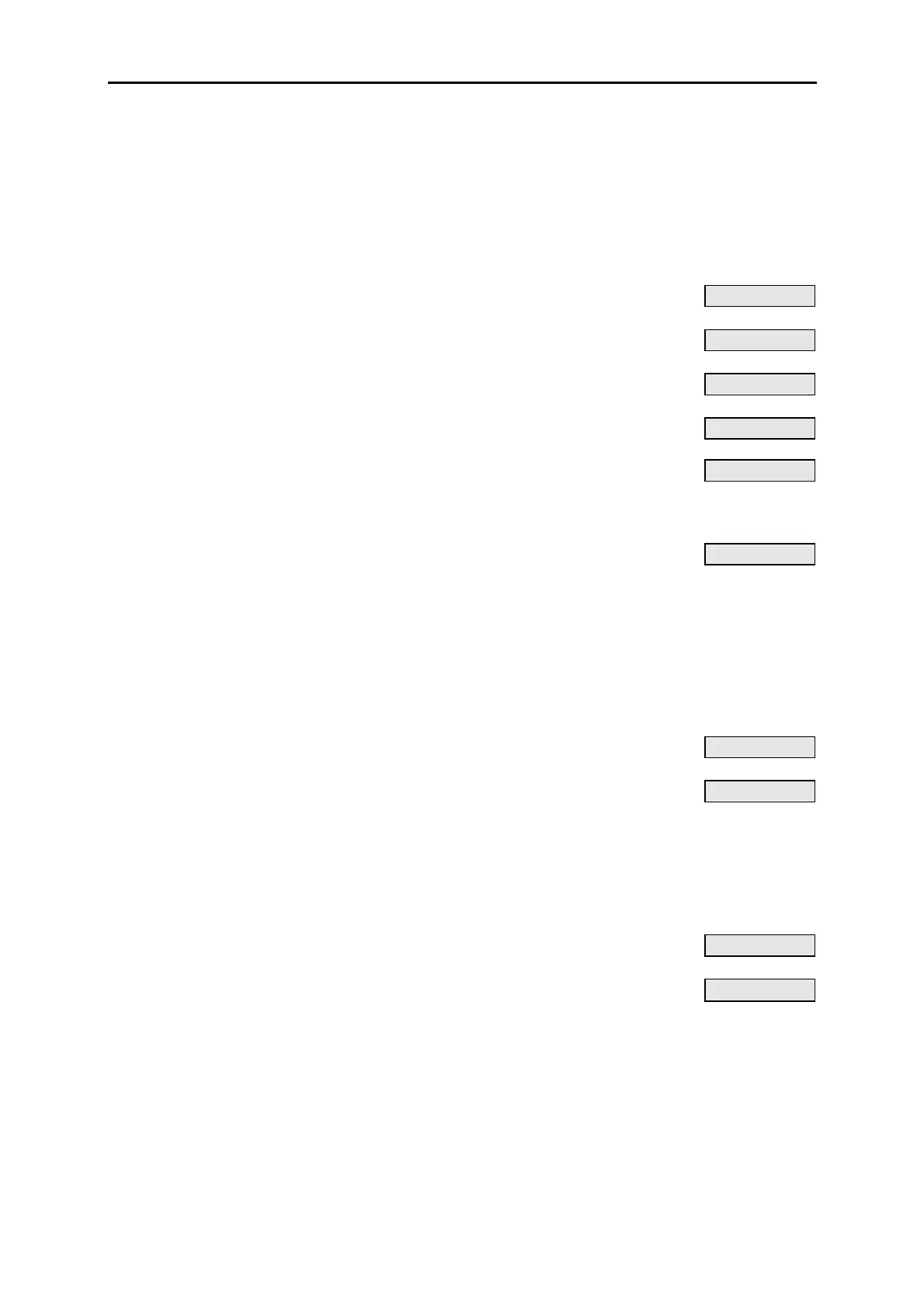
PRESS DISPLAY
• Select command 04–3
R
FSD LOCK
Display shows current setting of head 1: e.g.
h1:YES
• Select head to change. Current setting shown.
h2:YES
• Select setting for head, e.g. NO
h2:NO
• Select next head to change. Current setting shown.
h3:YES
Repeat for other heads
• Confirm selection and exit command
R
04–3:h8
Set relay energise state
Set each alarm relay on the display card to normally energised or energise on alarm.
Command 04–4 (set A1 relay energise mode) is described here: command 04–5 (A2
relay) is identical in operation.
PRESS DISPLAY
• Select command 04–4
R
A1 ENER.
Display shows current setting of A1 relay: e.g.
ON ALARM
Select NORMALLY for relay normally energised.
Select ON ALARM for relay energise on alarm.
DISABLED indicates that relay is disabled
(see commands 60–4 and 60–5)
• Select setting for A1 relay, e.g. normally energised
NORMALLY
• Confirm selection and exit command
R
04–4












 To Next Page