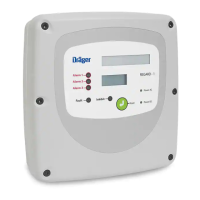
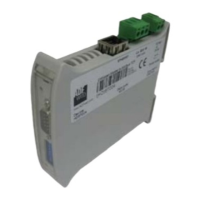
REGARD 8-Input 4-20 Module & 8-Channel Display Card (ATEX Version)
Issue 2. October 2011
21
Basic configuration
Set number of heads connected to module
Set the number of heads connected to input module.
PRESS DISPLAY
• Select command 52–0
R
HEADs
Display shows current setting: e.g.
h1–h8
• Select number of heads, e.g. 3
h1–h3
• Confirm selection and exit command
R
52–0
Set gas name
PRESS DISPLAY
• Select command 04–0
R
GAS NAME
Display shows current setting of head 1: e.g. H2S
h1:H2S
• Select gas name for head 1, e.g. SO2*
h1:SO2
• Select next head. Current setting shown.
h2:CH4
• Select gas name for head 2, e.g. CO2
h2:CO2
Repeat for other heads
• Confirm selection and exit command
R
04–0
* Available settings: CH4, H2S, CO, O2, Cl2, SO2, NO, NO2, NH3, O3, CO2, ClO2, HCN,
HCl, HBr, HF, H2, Br2, H2O2, EO, AsH3, PH3, B2H6, SiH4. An additional user-defined
gas name can also be set using command 52–4.












 To Next Page