Vigor2750 Series User’s Guide
153
Target IP Address Type the Target IP Address here. This option is available
when you choose Host or Network as Target IP Filter.
Target IP Mask Type the Target IP Mask here. This option is available
only when you choose Network as Target IP Filter.
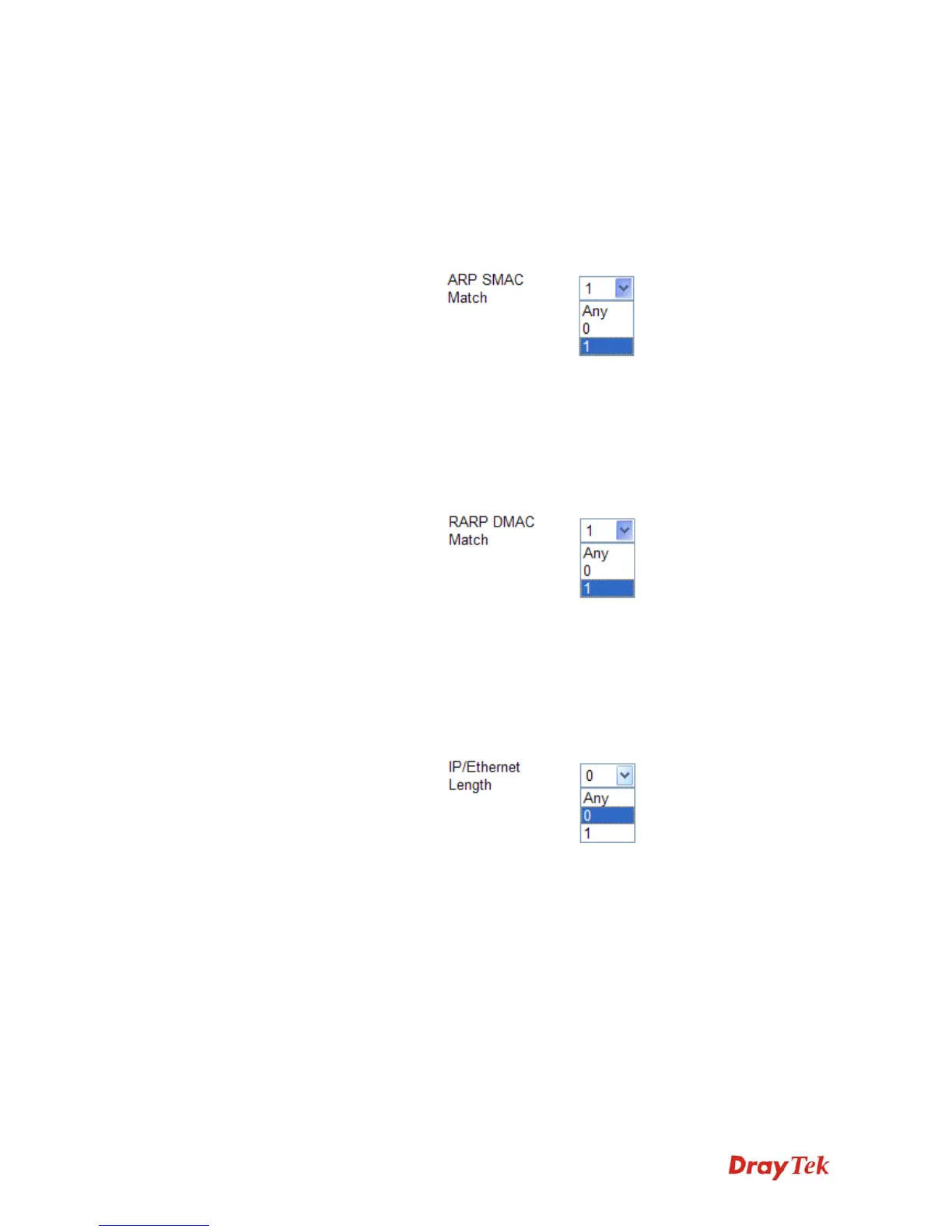
ARP SMAC Match Specify whether frames/packets can meet the action
according to the sender hardware address field (SHA)
settings.
0: means sender hardware address is not equal to the
SMAC address.
1: means sender hardware address is equal to the SMAC
address.
Any: means any value is allowed.
RARP DMAC Match Specify whether frames can hit the action according to
their target hardware address field (THA) settings.
0: means target hardware address is not equal to the
SMAC address.
1: means s target hardware address is equal to the SMAC
address.
Any: means any value is allowed.
IP/Ethernet Length Specify whether frames/packets can meet the action
according to the ARP/RARP hardware address length
(HLN) and protocol address length (PLN) settings.
0: means ARP/RARP frames/packets where the hardware
address length is equal to Ethernet (0x06) and the protocol
address length is equal to IPv4 (0x04) must not match this
entry.
1: means ARP/RARP frames/packets where the hardware
address length is equal to Ethernet (0x06) and the protocol
address length is equal to IPv4 (0x04) must match this
entry.
Any: Any value is allowed
IP Specify whether frames/packets can meet the action
according to their ARP/RARP hardware address space
(HRD) settings.














 To Next Page