Vigor2750 Series User’s Guide
65
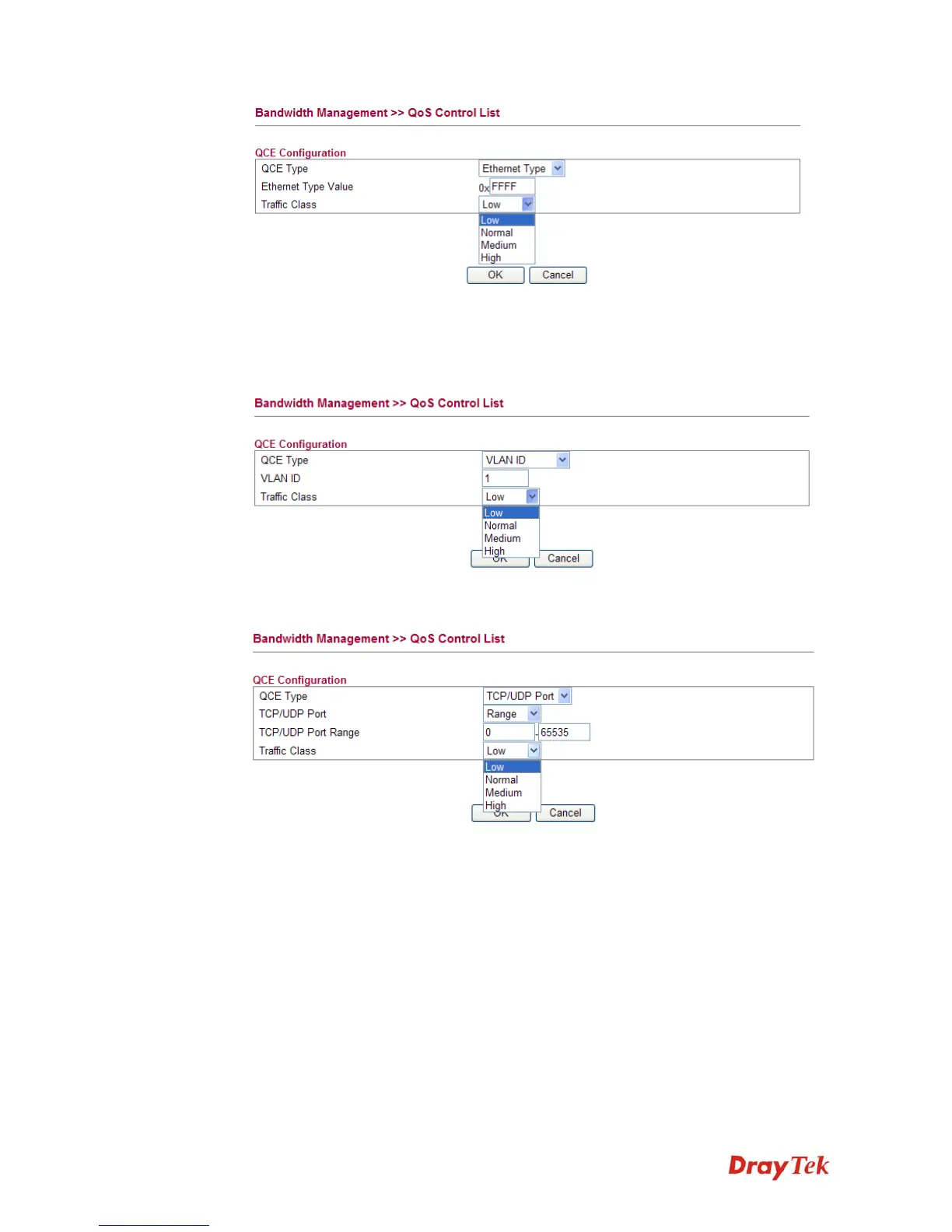
Ethernet Type Value Either 8~63 ASCII characters, such as 012345678(or 64
Hexadecimal digits leading by 0x, such as "0x321253abcde...").
z If you choose VLAN ID as QCE Type, you have to type the ID number for it and specify
traffic class from Low, Normal, Medium and High.
z If you choose TCP/UDP Port as QCE Type, you have to type the port number for it and
specify traffic class from Low, Normal, Medium and High.
TCP/UDP Port Click Single or Range. If you select Range, you have to type
in the starting port number and the end porting number on
the boxes below.
TCP/UDP Port Range Type in the starting port number and the end porting number
here if you choose Range as the type.














 To Next Page