Vigor2750 Series User’s Guide
66
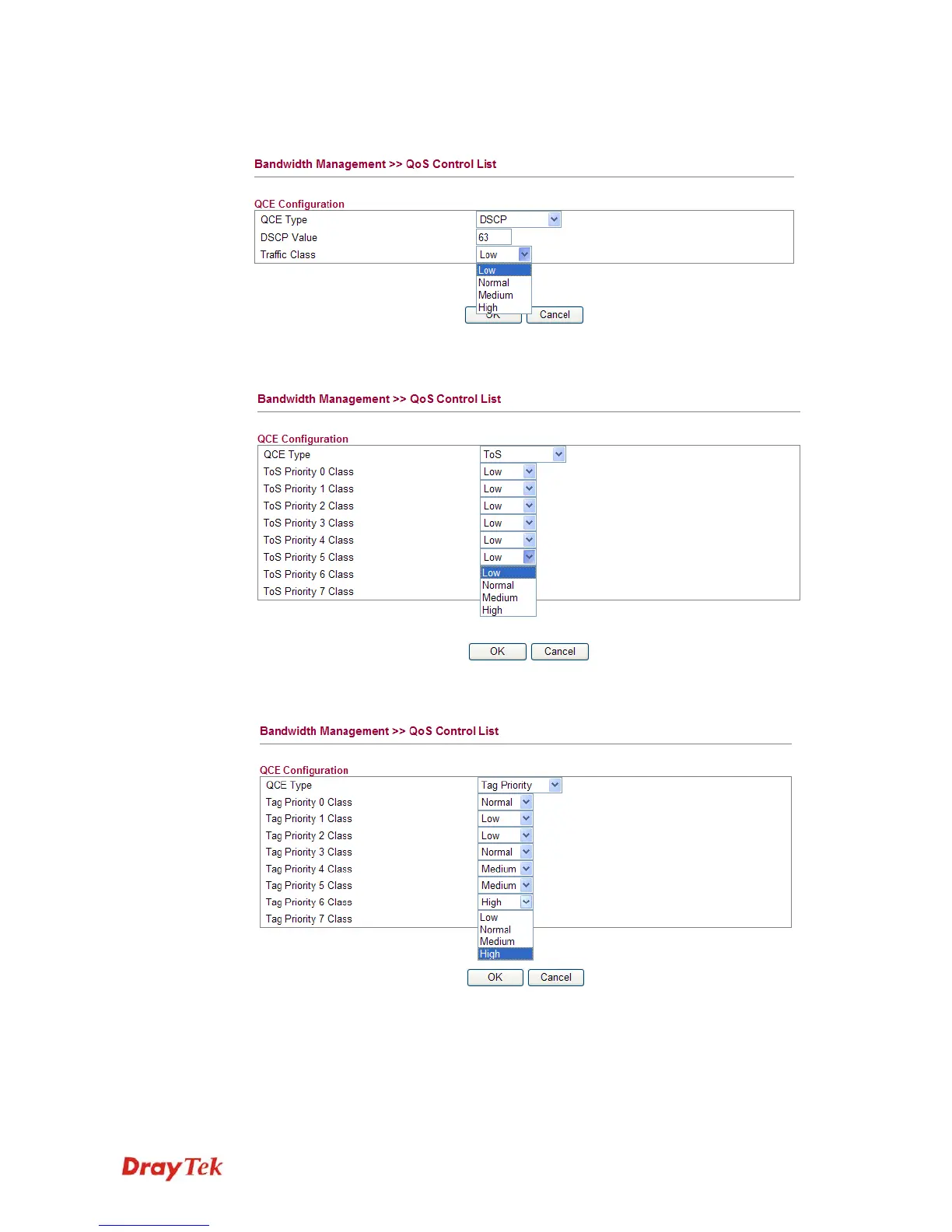
z If you choose DSCP as QCE Type, you have to type value for it and specify traffic class
from Low, Normal, Medium and High.
z If you choose ToS as QCE Type, you have to specify priority class from Low, Normal,
Medium and High.
z If you choose Tag Priority as QCE Type, you have to specify priority class from Low,
Normal, Medium and High.














 To Next Page