Vigor2960 Series User’s Guide
107
4
4
.
.
2
2
.
.
2
2
.
.
3
3
H
H
i
i
s
s
t
t
o
o
r
r
y
y
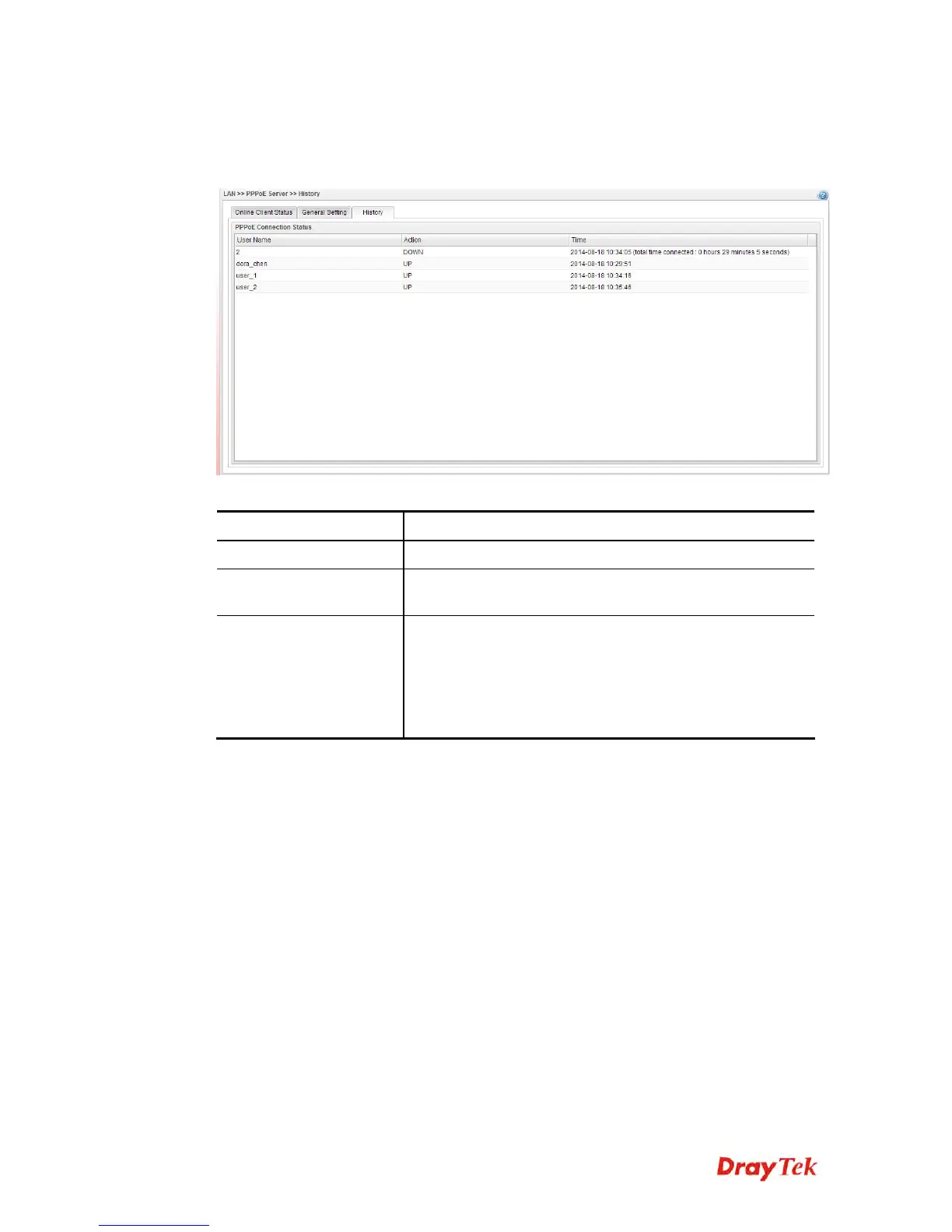
This page displays records of connection status (up or down) and the connection time and the
name of the user who accesses into PPPoE server of such router.
Each item will be explained as follows:
Item Description
User Name
Display the user name used to access into the PPPoE server.
Action
Display the connection status (up or down) of the user
account.
Time
Display the connection time.
If the action is “Down”, such field will display the total
connection time.
If the action is “up”, such field will display the time point
that the user account access into the PPPoE server.














 To Next Page