12/57
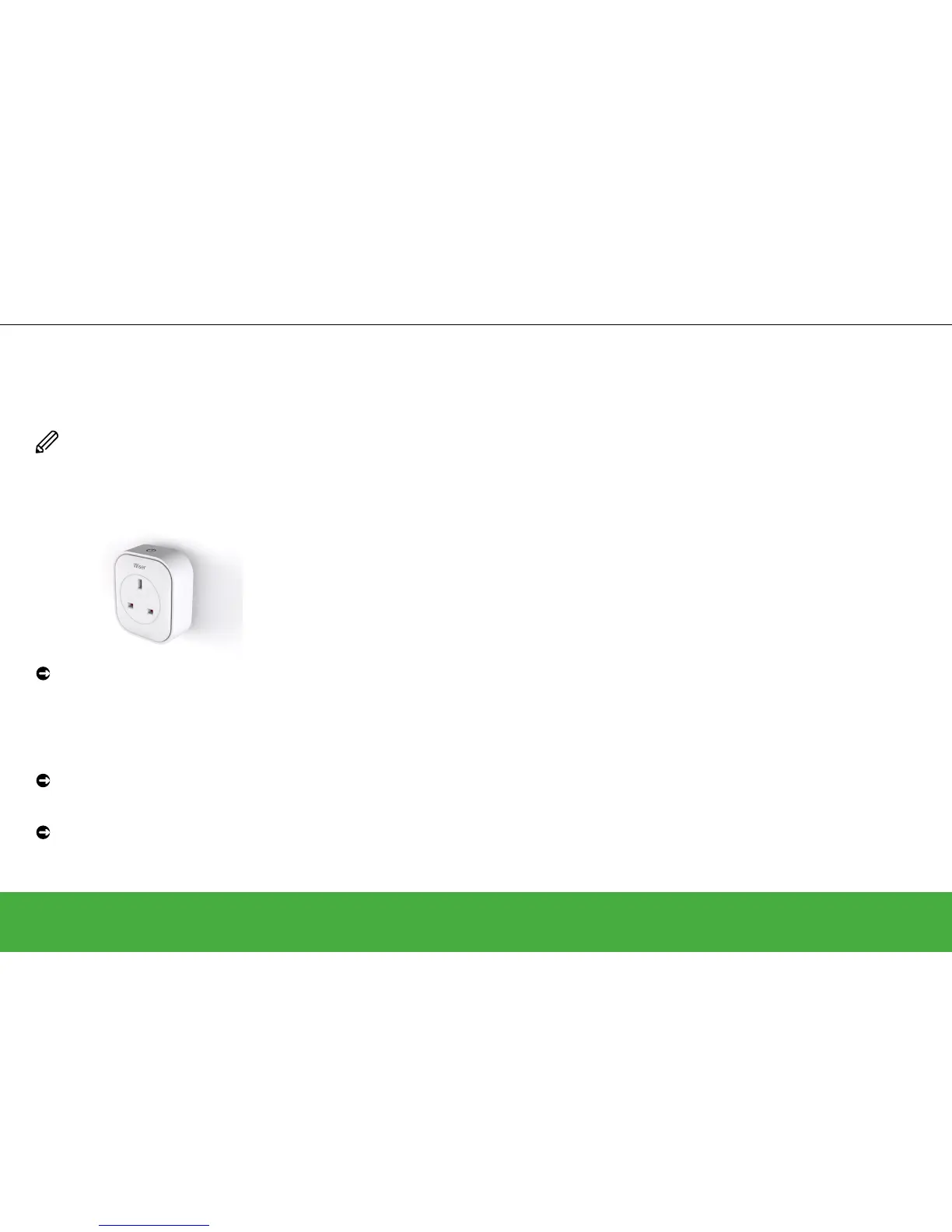
Add a Wiser Plug
Please note that a smart plug is not assigned
to any particular room and will work in any wall
socket it is plugged into.
WARNING
Ensure that the appliance being controlled
does not exceed the capacity of the smart
plug. Refer to the information on the
back of the smart plug and the printed
documentation supplied with it.
Insert the smart plug into the wall socket
where it is to be used.
The device LED will ash blue three times
indicating the device has not yet joined the
Heat Hub
R
.
Press and hold the ON/OFF button for two
seconds until the LED ashes blue.
When prompted by the Wiser Heat app,
enter a descriptive name for the smart plug
such as “Table lamp”.
Join devices to the Heat Hub
R
Set up a system
No network found? The Heat Hub
R
has timed out
If the Heat Hub
R
Set-up Mode has
timed out (the Setup LED shows a
solid green), repeat the set-up step.
No network found? The Heat Hub
R
is still in Set-up Mode
If the Heat Hub
R
is still in Set-up
Mode (the Setup LED is ashing
green), then the smart plug is too
far away from the Heat Hub
R
. In this
case, choose another location for the
smart plug.Have a look at: Getting
to know the smart plug -> page 41
For other options, contact Drayton
Customer Service.


 To Next Page