17/57
Control your heating
Open and start
First access - Good to know
Customise your set-up with the Wiser Heat
app so you can:
• Change the set-point temperatures
• Set the schedules
• Boost a room temperature and more
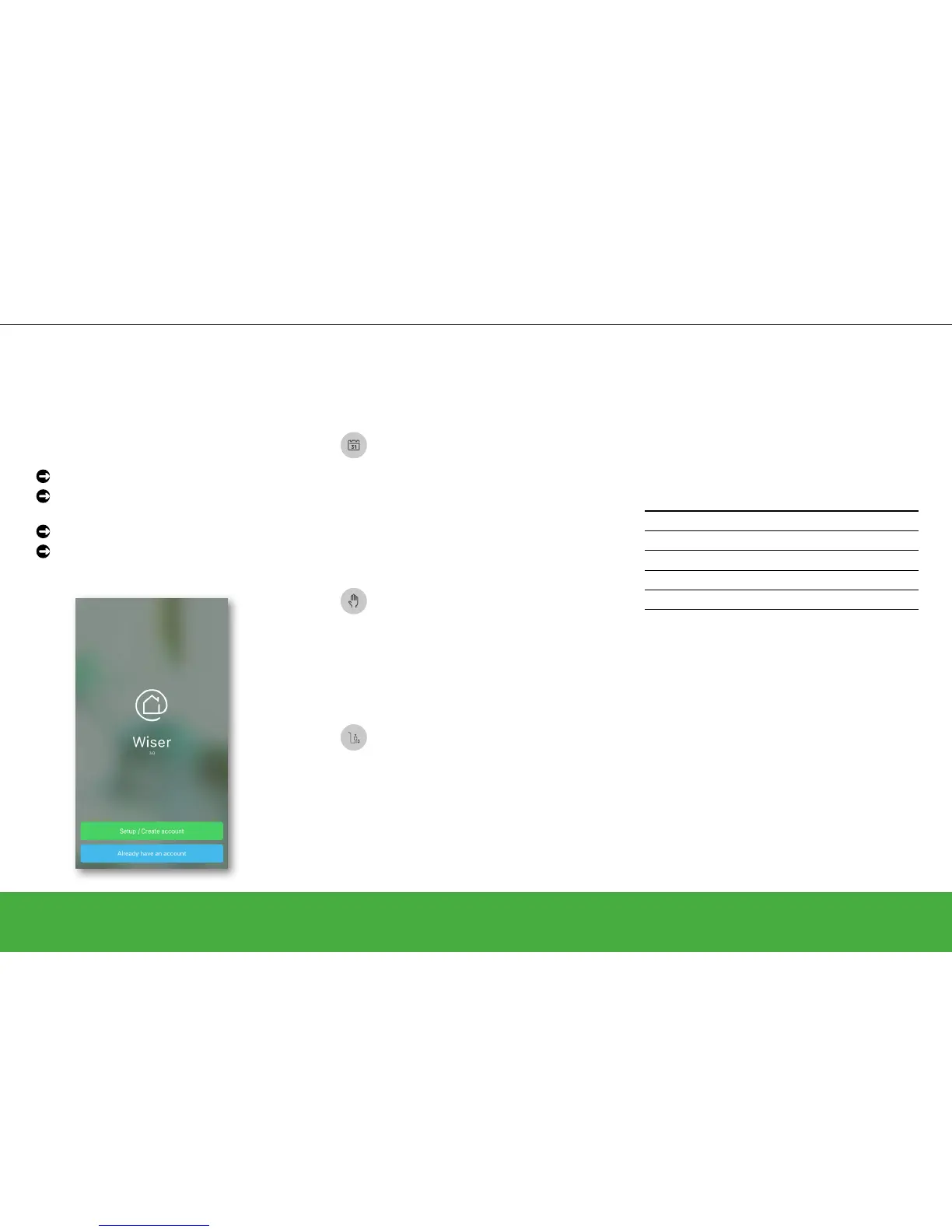
Open the Wiser Heat app
Set up an account as described on page 15
or tap Already have an account
Enter your email address and password
Tap Login
Auto Mode, Manual Mode and Away Mode
The heating system and hot water can run in
three different modes.
Auto Mode: The heating system is
fully controlled and triggered by your
schedule. Once the schedule is set, Auto
Mode will manage your system daily. You
can create or modify new events at any
time. When you access the Wiser Heat
app for the rst time, Auto Mode is active
by default.
Manual Mode: Switch to Manual Mode
to control your heating system manually
over a period of time (e.g. during a party).
During this time, only manual changes
will be accepted and the schedule will be
ignored. You can return to Auto Mode at
any time.
Away Mode: When active, all rooms fall
back to the Away temperature (default
16°C). If you have a two or three-
channel Heat Hub
R
, the hot water will be
turned OFF. Away Mode overrides Auto
and Manual Modes, however it is still
possible to manually change the set-point
temperature and boost individual rooms.
It is also possible to boost or manually
turn the hot water ON.
The defaults
When you access the Wiser Heat app for the
rst time, it is running in Auto Mode, and all
scheduled events are pre-programmed for every
room. If you want to make changes to the default
schedule, change the times and/or temperatures
so that the schedule ts accordingly.
Monday – Friday Saturday – Sunday
Time Temp Time Temp
6:30 am 20.0°C 7:00 am 20.0°C
8:30 am 16.0°C 9:00 am 18.0°C
4:30 pm 21.0°C 4:00 pm 21.0°C
10:30 pm Off* 11:00 pm Off*
Pre-programmed schedule * Only frost protection is active
Do you want to change the schedule? Have a
look at: Two ways to access the schedule ->
page 24


 To Next Page