7/57
Set up a system
Connect the Heat Hub
R
Step 1: Download the Wiser Heat
app
Download the Wiser Heat app for your mobile
device from the App Store
®
or
Google Play
TM
.
Search for Wiser Heat
Download the Wiser Heat app
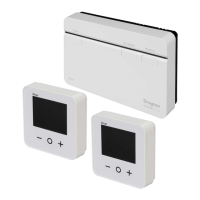
Your Heat Hub
R
must be installed by a
qualied electrician or heating engineer
according to the Installation Guide.
Upon successful installation of the Heat
Hub
R
the Set-up LED will show a solid
green light.
Now you must establish and congure a new
system. Start by connecting your mobile device
with the Heat Hub
R
.
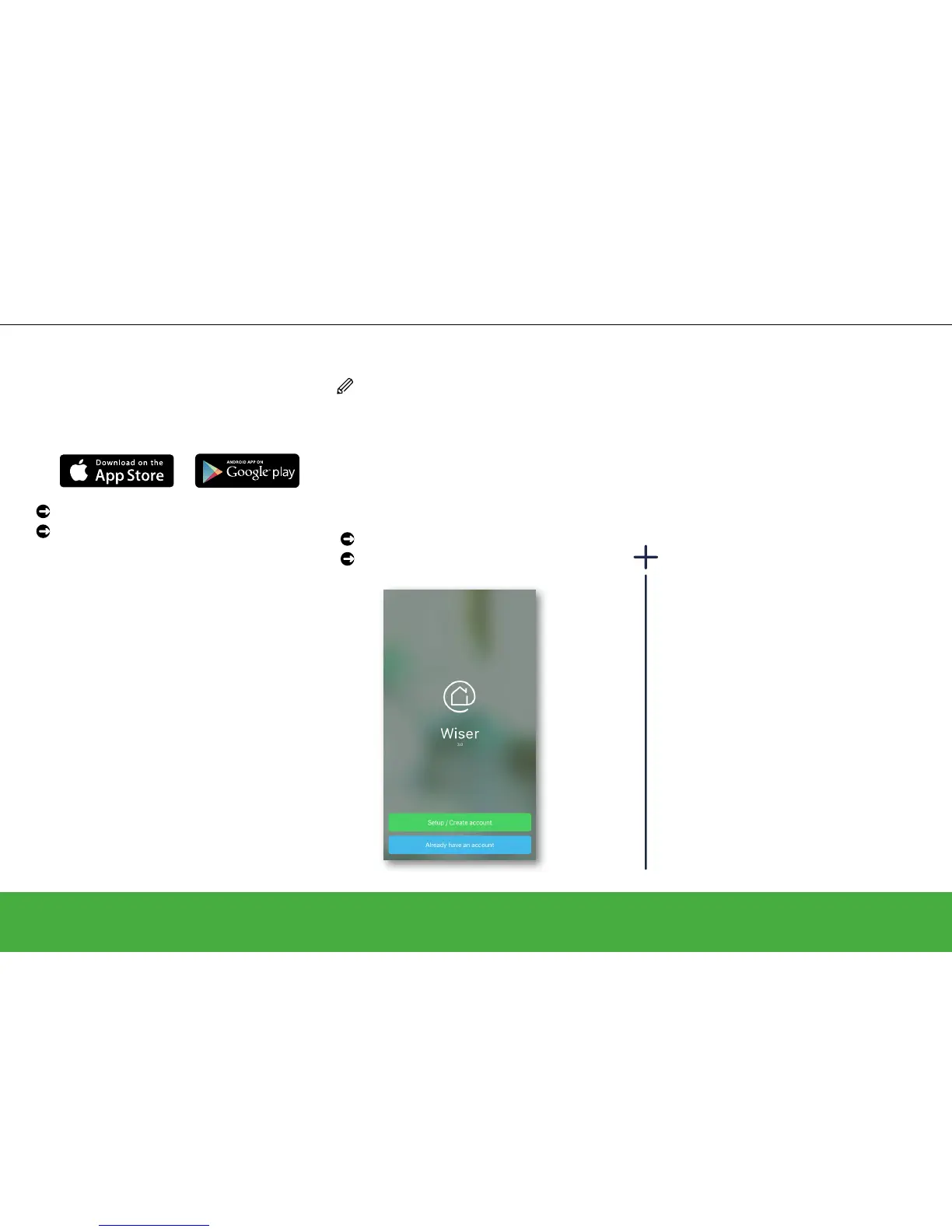
Open the Wiser Heat app
Tap Set-up / Create Account
Wiser Heat app
The Wiser Heat app guides you through the
whole set-up process. This guide can also
provide information about specic steps.
System requirements
The Wiser Heat app is available for Apple®
iOS and Android™ mobile devices. Due
to the large number of mobile devices
available on the market, compatibility cannot
be guaranteed with every model. The mobile
device must full the following minimum
technical requirements:
Android™ Version 4.2 or higher
Apple® iOS 9 or higher
The Wiser Heat app for tablets will be
available at a later date.


 To Next Page