EXT 1824G User’s Manual 4. Detector Component
EXT 1824G-UM-COM-EN-03 39
ii. Press the exposure switch of the X-ray
generator.
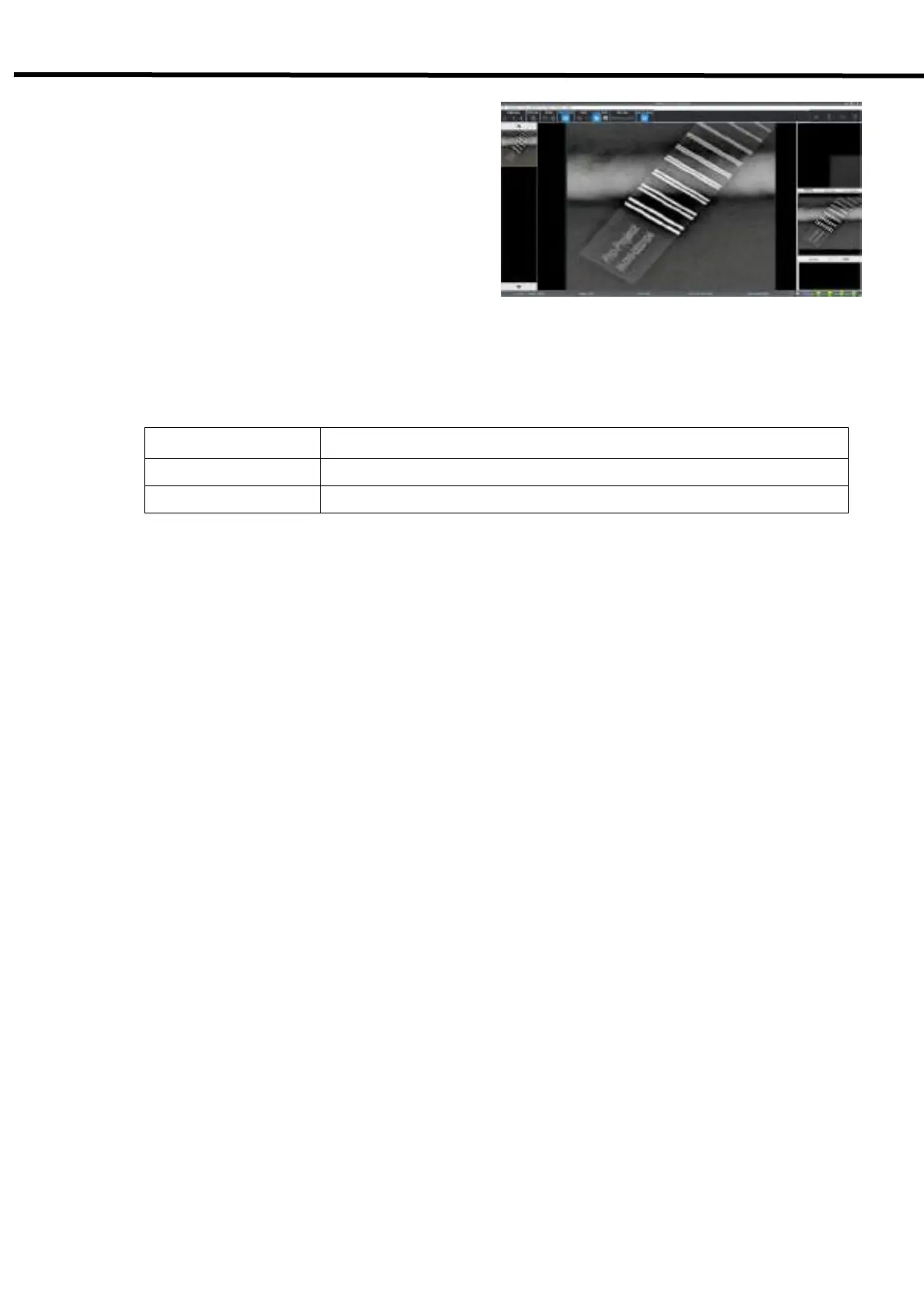
Images captured with the detector are
transmitted to the ECali1 and appear on the
monitor.
• Check the images on the monitor.
• If any uncompleted protocols remain, repeat
procedure ii).
• Choose the exposure mode before the shooting.
Mode Description
AED AED Mode.
S/W Trigger S/W Trigger Mode.
iii. Click the "Save Raw Image" button to store image.
• To conduct examination for another object, repeat step iii.



 To Next Page