EXT 1824G User’s Manual 6. Image Acquisition
EXT 1824G-UM-COM-EN-03 51
Network Adaptor Configuration
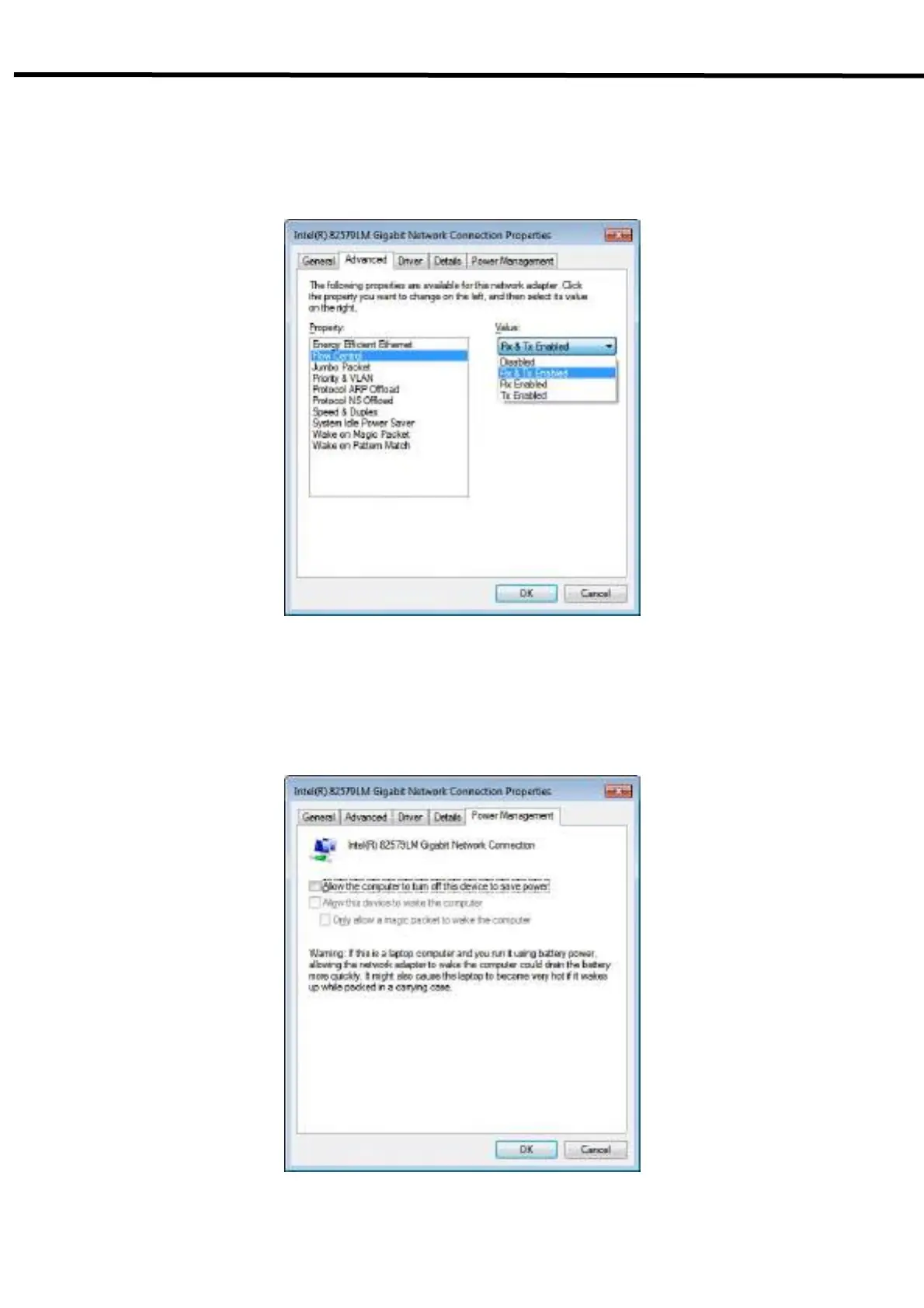
1) Click Configure button to open the following dialog box, and then go to the Advanced tab.
2) Choose Flow Control in the list of Properties and click Value button on the right.
3) Power-saving Mode on Network adaptor
- Click the Power Management tab and check on Allow the computer to turn off this device to save
power.
- Click OK button



 To Next Page