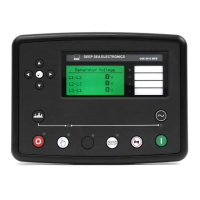
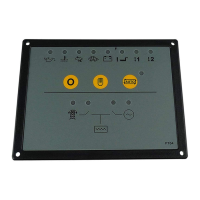
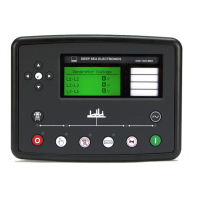
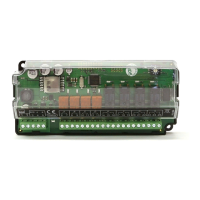
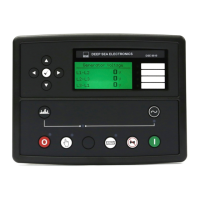
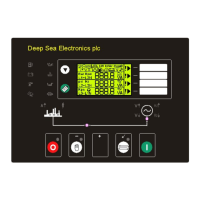
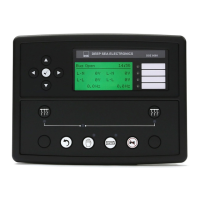
DSE Model 4110 AutoStart Operators Manual
10 057-022 4110 OPERATING MANUAL ISSUE 5.1 18/06/2007 JR
6 FRONT PANEL CONFIGURATION
The DSE 4110 module is fully configurable from the front panel. There is no requirement for a PC / Laptop or
software.
6.1 ACCESSING THE FRONT PANEL CONFIGURATION EDITOR
♦ With the unit is in Stop mode, Configuration Mode is selected by operation of a small switch on the rear,
bottom edge of the PCB. This is partially hidden to prevent accidental operation.
Switch In Normal Mode Switch in Configuration Mode
♦ Once Configuration Mode is selected, the ‘Auto’ LED will commence rapid flashing and all normal operation is
suspended.
6.2 EDITING THE CONFIGURATION
♦ The Stop
pushbutton can be used to select the LED ‘code’ that corresponds to the required function. The 5
left-hand LED’s will form the code. See configuration table overleaf.
♦ The Manual
pushbutton will allow the user to change the associated value. The 3 right-hand LED’s inform
the user of the current setting for the chosen function. See configuration table overleaf.
♦ When the required parameters are displayed, pressing the Auto
button will save the new setting
and the process is repeated for each function change.
♦ When configuration is complete, the Configuration Mode Selector Switch should be returned to the ‘Normal’
position.



 To Next Page