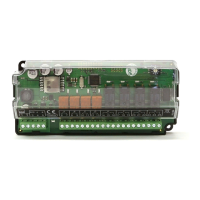
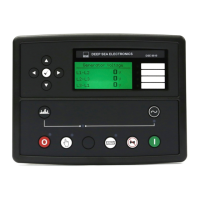
DSE Model 4110 AutoStart Operators Manual
057-022 4110 OPERATING MANUAL ISSUE 5.1 18/06/2007 JR 5
3 OPERATION
The following description details the sequences followed by a module containing the standard ‘factory
configuration’. Always refer to your configuration source for the exact sequences and timers observed by any
particular module in the field.
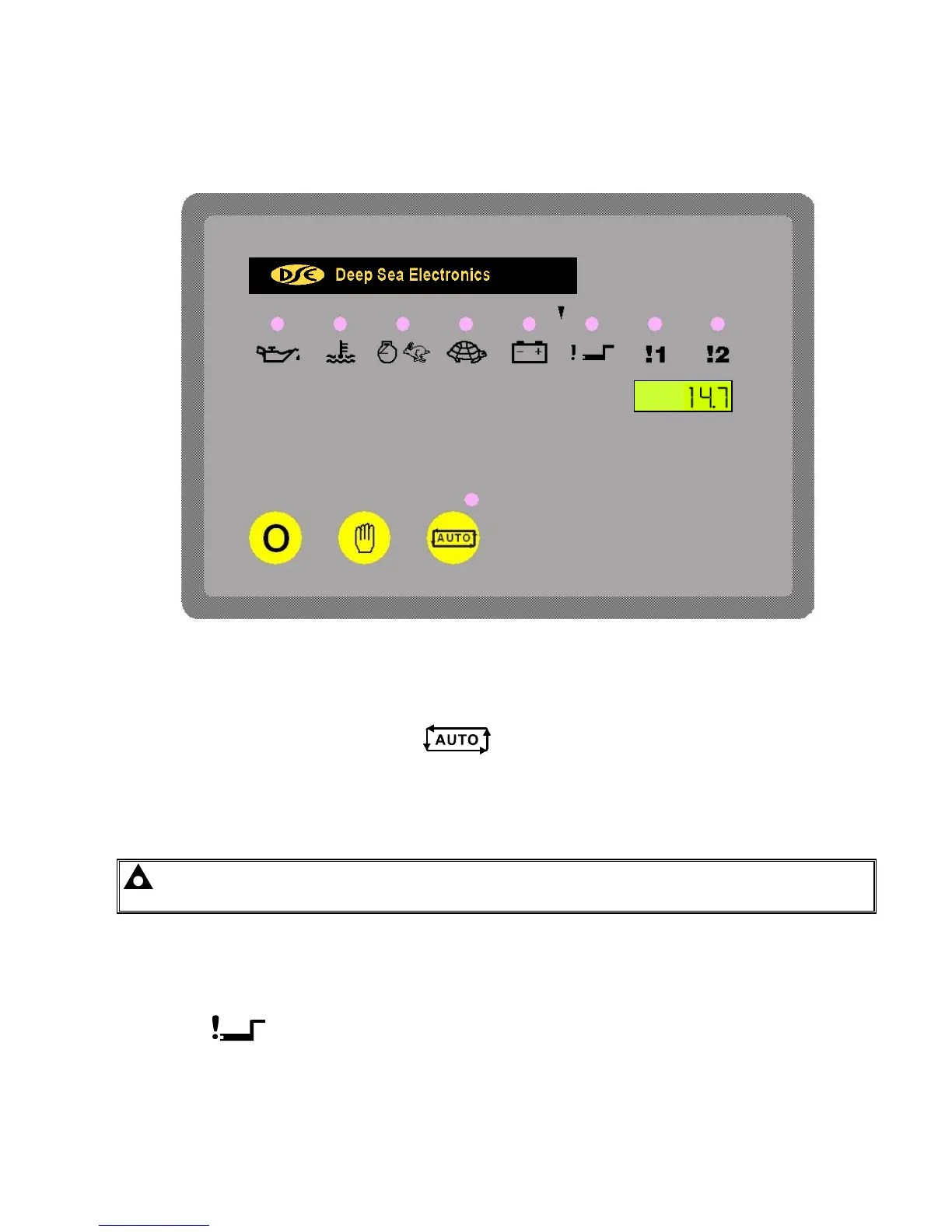
FIG 1
3.1 AUTOMATIC MODE OF OPERATION
This mode is activated by pressing the Auto
pushbutton. An LED indicator beside the button confirms
this action.
The start sequence is initiated when the remote start input is activated. To allow for false remote start signals, the
Start Delay timer is initiated. After this delay, if the pre-heat output option is selected then the pre-heat timer is
initiated and the corresponding auxiliary output (if configured) will energise.
NOTE:- If the Remote Start signal is removed during the Start Delay timer, the unit will return to a
stand-by state.
After the above delays, the Fuel Solenoid is energised, then one second later, the Starter Motor is engaged.
The engine is cranked for a 10-second period. If the engine fails to fire during this cranking attempt then the starter
motor is disengaged for a 10-second rest period. Should this sequence continue beyond the 3 starting attempts,
the start sequence will be terminated and
Fail to Start
fault will be illuminated.
When the engine fires, the starter motor is disengaged and locked out at 20 Hz measured from the Alternator
output. Rising oil pressure can also be used to disconnect the starter motor, however it cannot be used for
underspeed or overspeed detection.



 To Next Page