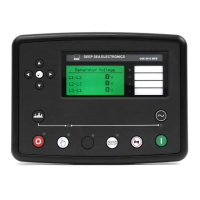
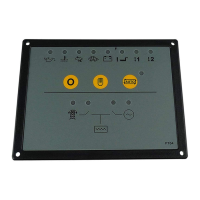
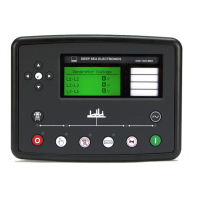
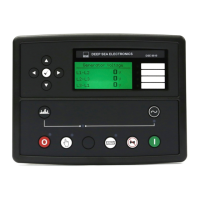
DSE Model 4110 AutoStart Operators Manual
057-022 4110 OPERATING MANUAL ISSUE 5.1 18/06/2007 JR 7
3.3 EXERCISE SCHEDULER
Available in module versions V1.3 and higher.
The exercise scheduler is used to give a 30-minute test run every seven days. The starting time is configurable and
repeated every week, but the run duration is fixed at 30 minutes.
The scheduler is configured as follows:
• Press and hold the button. After 6½ seconds, the LED beside the Auto button will extinguish. This
sets the ‘exercise run time’ to the current time.
• Release the button, the LED beside the Auto button will illuminate to show that the module is in
Auto mode. The exercise period will begin.
• After 30minutes, the set will stop; the same 30 minute exercise period will be repeated on a 7 day cycle so long
as the module is in the Auto mode.
• When the exercise timer is set, the Auto LED will blink every 3½ seconds. To cancel the timer, press and hold
the
button for 6½ seconds, the Auto LED will extinguish to show the timer has been cancelled and
will return to steady operation once the Auto button is released. Removing DC power from the module will also
reset the exercise timer.
NOTE: - If an output is configured to “load transfer” the exercise run will be ON-LOAD.
NOTE: - If remote start input is active, the set will continue to run beyond the end of the exercise
time as the set is then under the control of the remote start input.



 To Next Page