SLICE Base Firmware
Update Procedure
support@dtsweb.com 24 March 2010
+1 562 493 0158 ©Diversified Technical Systems, Inc. - All Rights Reserved
To update the SLICE MICRO™ or SLICE NANO™ Base firmware, you need:
1. Hardware: SLICE USB cable or SLICE SSI Cable Kit.
2. Software: ZIP file (e.g., eSensing Firmware Updater 1.06.zip) extracted on your
PC. The ZIP file contains the SLICE Firmware Updater program
(eSENSING_FirmwareUpdater.exe) and required support files.
3. Firmware: Firmware version (e.g., SLICEBaseFirmware_BASE_00G6.sfw) you
want to install.
4. Procedure:
1. With PC on, connect the SLICE Base to the PC via USB. Power-up the SLICE
Base.
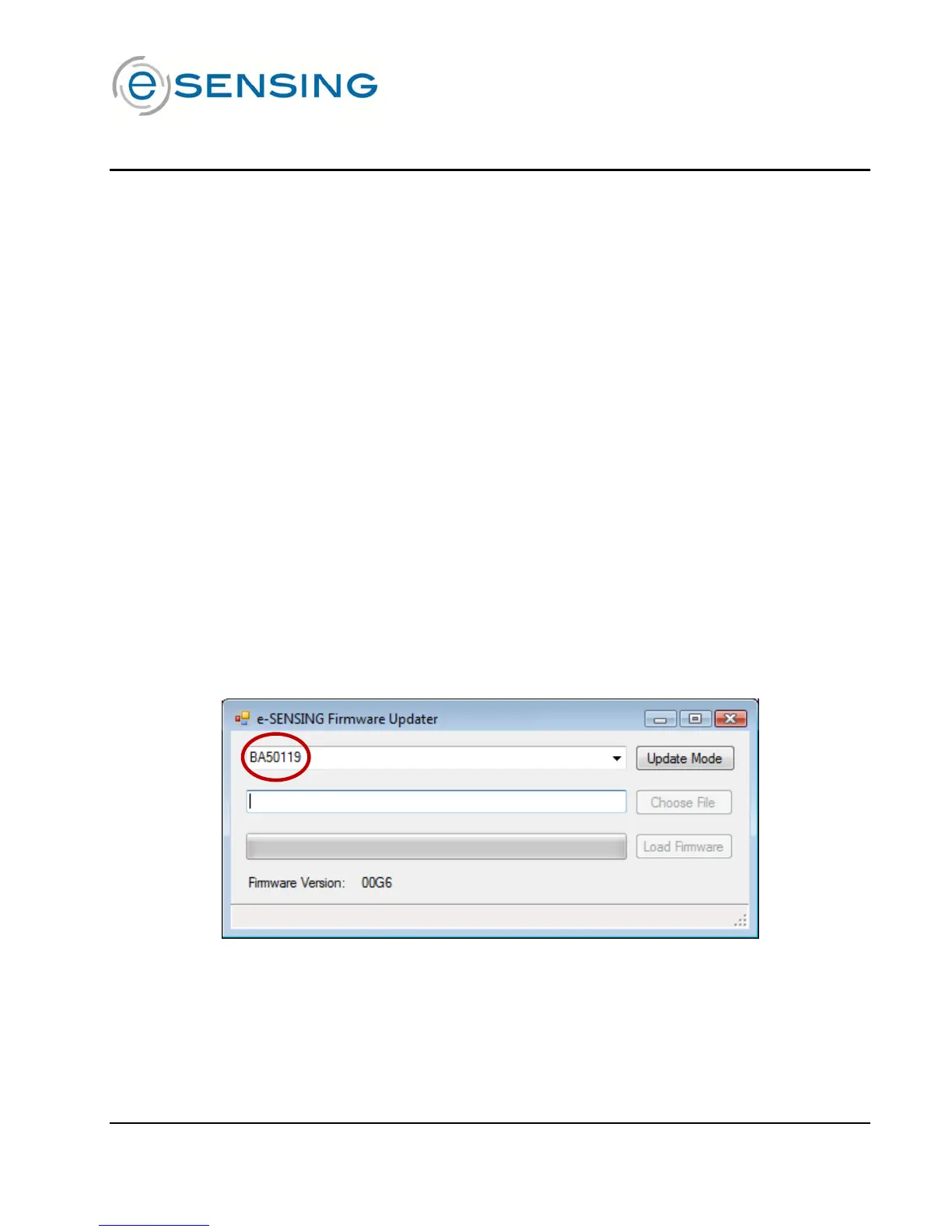
2. Start the SLICE Firmware Updater (eSENSING_FirmwareUpdater.exe). The
screen will show the serial number of the connected Base:


 To Next Page