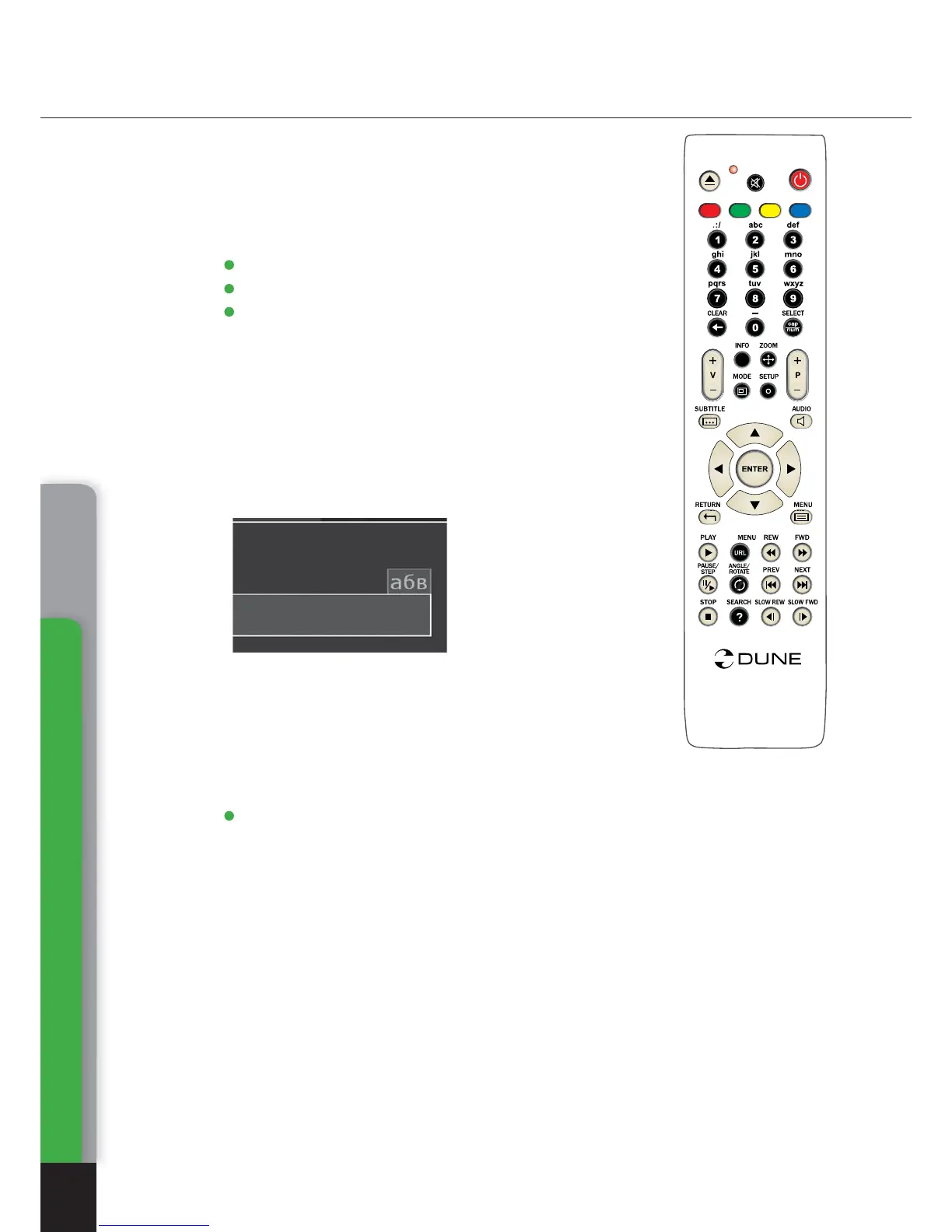
Text entry with RC
Remote Control (RC)
12
0, 1, 2, 3, 4, 5, 6, 7, 8, 9: Entry of characters to a position
pointed by the cursor.
First pressing: entry of first character from a set of characters
connected with the remote control. Each subsequent press-
ing: you may change the entered character to the sequent one
from the list.
● 0: entering of space character.
● 1: entering of special characters (punctuation marks, etc.).
● during character selection mode connected with button 1:
Right/Left/Up/Down: select required character.
ENTER – validate selection, exit selection mode.
SUBTITLE (...) – enter full stop mark or other special charac-
ters. Functions like button 1 in character entering mode.
CLEAR (<-) – delete a character to the left of cursor mark.
SELECT (cap|num) – select another input mode. Supported
input modes (display indication):
abc: enter small Roman characters.
ABC: enter capital Roman characters.
123: enter digits.
RETURN – change direction, exit text entry mode.
Left/Right – move cursor by one point left/right.
Up/Down – move cursor to top/end of a text line.
● If the cursor is already in top/end line position: select an element of user interface
under/over current text entry area (only for dialogs with several elements of user
interface; text changes are validated automatically).
.
.
.
.
.
.
AB
C
D
T
O
P
i
O
PP
U
P
/
Chapter 2
abc



 To Next Page