Mediacenter
32
Chapter 7
Mediacenter
Chapter 7
File browser
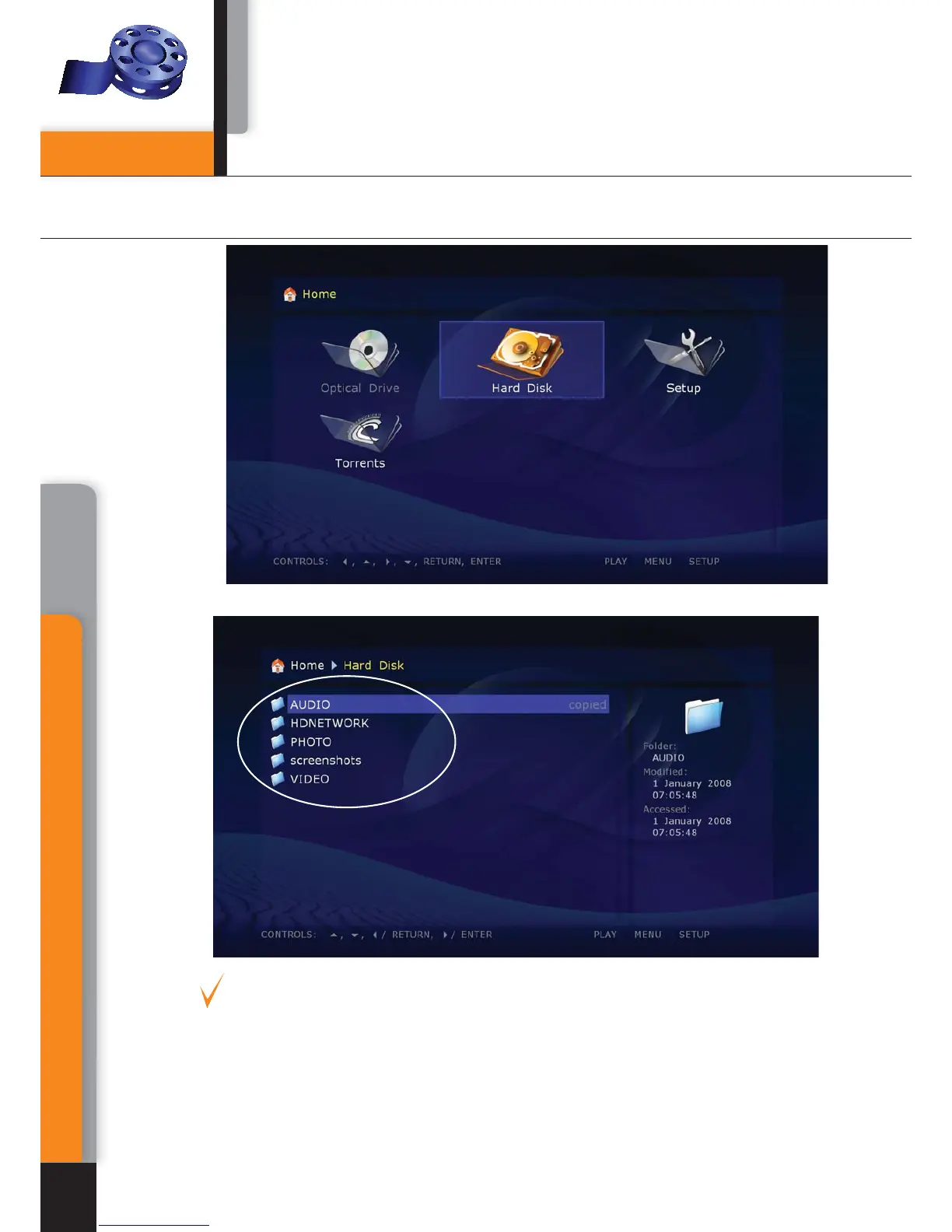
File browser allows browsing of all files and folders available. Browsing starts from
the Main page, which includes sub-divisions corresponding to connected drives,
including network resources.
Up: select previous file/folder from the list. Move the cursor to the area of indication
of the current path (in case of selection of the first element from the list).
Down: select next file/folder from the list.



 To Next Page