Remote Control (RC)
13
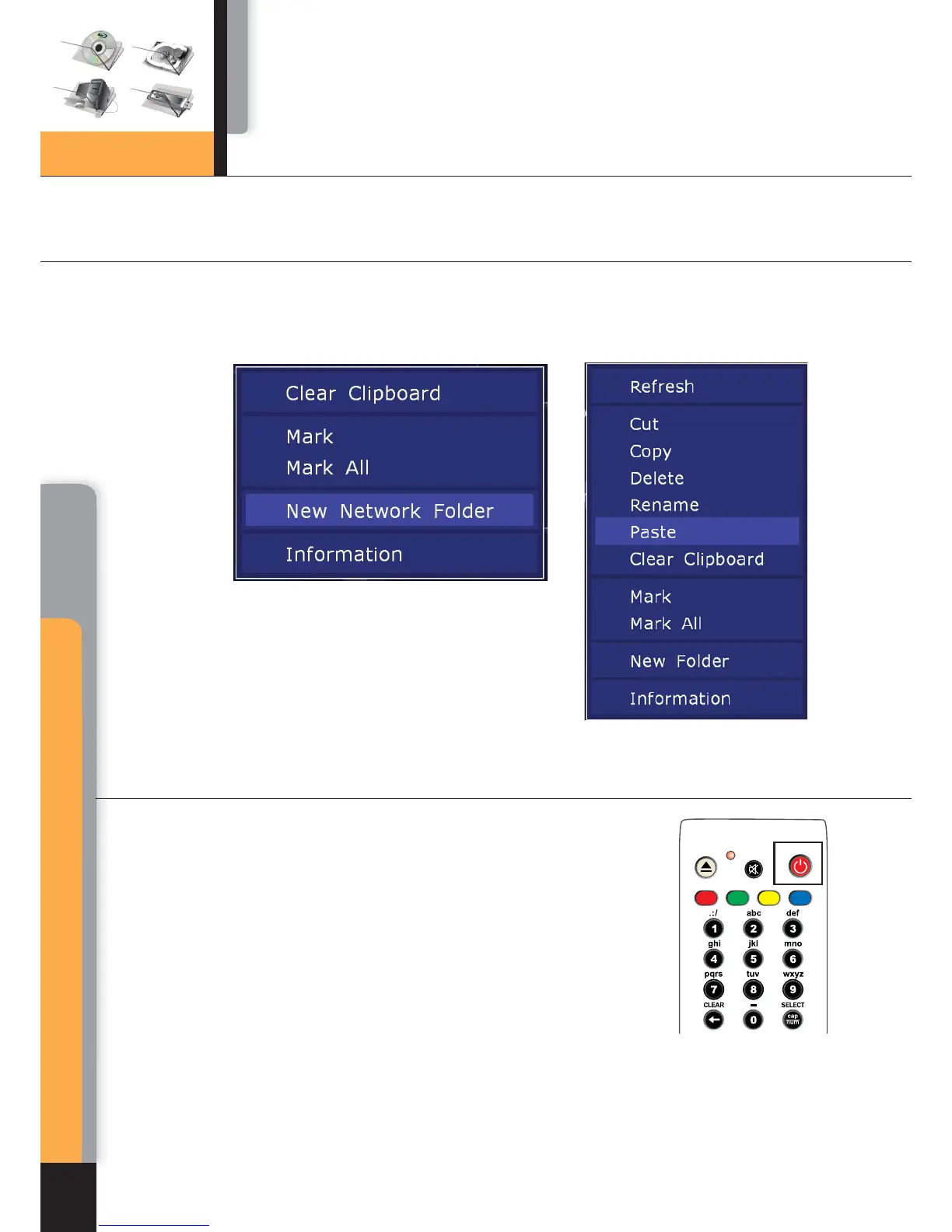
Contextual menu
STANDBY Mode
MENU – show contextual menu with a list of available additional commands. Through
contextual menu you can copy the edited text line to clipboard and paste the text line
from the clipboard (into cursor position)
Pressing of POWER button switches over the player
to STANDBY mode. In this mode the built-in HDD is
disabled, as well as the video output, but the device
does not switch off completely.
To activate the player from standby mode, press POWER
button once again. It allows immediate switching on of the
player (within several seconds). When switching on after
standby mode, as well as at getting started for the first time,
you will get to the Main root folder of file browser.
AB
C
D
Chapter 3
Menu
Chapter 3



 To Next Page