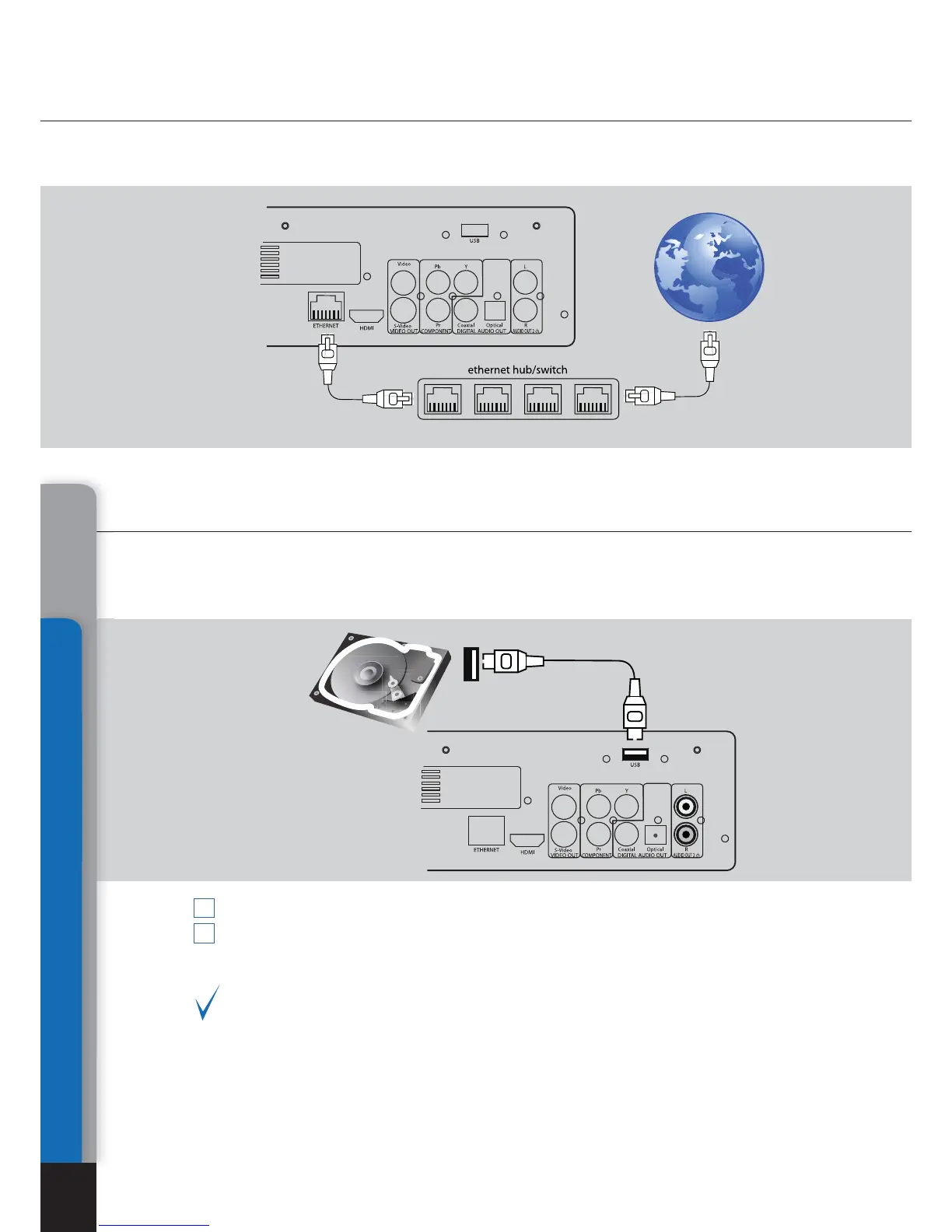
Connection of external USB drives
Your media player is equipped with a socket for connection of external data
storage devices with USB interface. There are two standard A-type USB
ports for this purpose.
Connect a USB cable of external device to your media player.
Wait until popup of an icon in Main root folder showing start of initialization of equip-
ment connected to your player.
Playback and other operations with USB drives are described in the section below.
Ref. Playback section.
1
2
Connection to LAN and Internet
Connections
18
A standard Cat5 or Cat6 Ethernet cable with RJ45 connectors should be used
(not included).
Chapter 4



 To Next Page