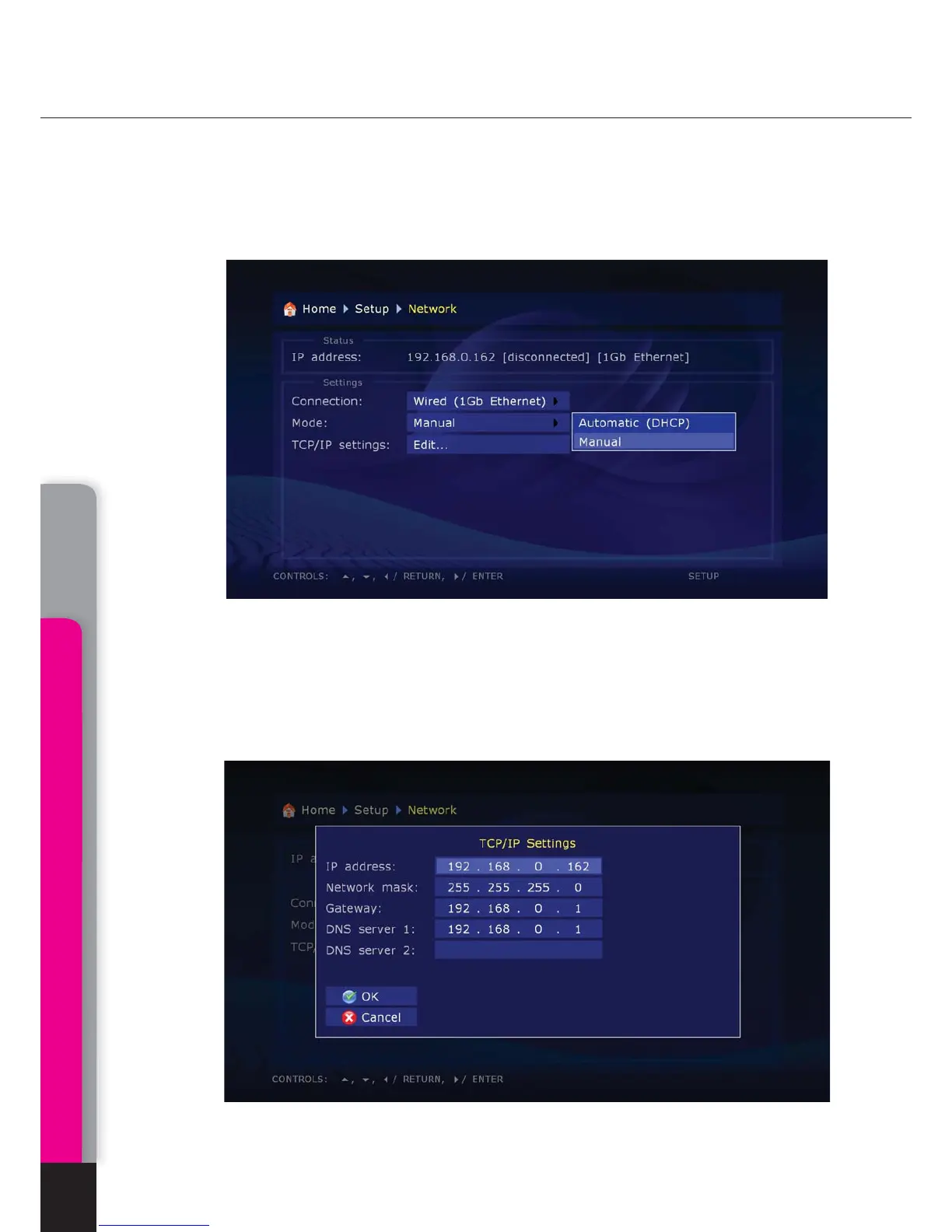
Network.
This section describes main parameters of functioning of media player in
LAN or Internet.
Connection. You may select a type of connection which will be used by default. It may
be Wire (twisted-pair cable connection) or Wireless (Wi-Fi connection; optional). Or
you may select a LAN-free use by selecting No.
Selection of networking mode: Auto (DHCP): selection of networking mode
allowing the media player to receive automatically an IP address and other parameters
required for TCP/IP networks.
Manually: selection of networking mode when all TCP/IP parameters are set by the
user.
System setup
24
Chapter 5



 To Next Page