Playback
29
Chapter 6
Playback
Chapter 6
Blu-ray operations
Playback of BD-ROM
Playing of a standard Blu-ray or normal DVD disc.
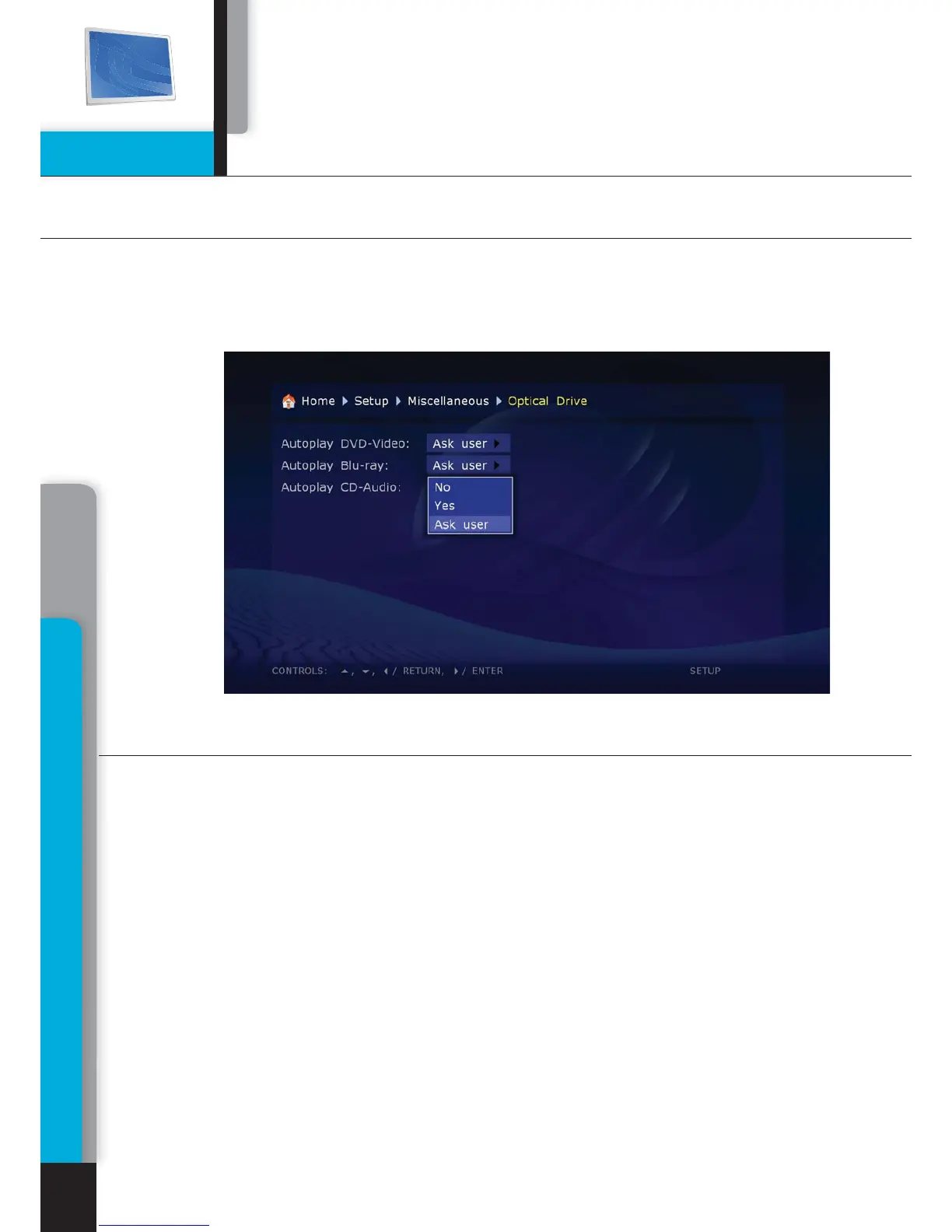
Before playing any optical discs, we suggest you to refer to the ‘Settings. Other. Optical
drive’. In this section you will need to select an operation that will be performed by the
media player by default, after inserting of a BD-ROM or DVD-ROM disc, respectively.
After inserting of a BD-ROM in your media player, please wait until the disc
menu is displayed. Depending on the record conditions and materials content
available on the BD-ROM disc, its initialization may take up to two minutes.
All features of BD-ROM discs are described on the start pages of this manual,
cf. ‘Notes on discs’ section. If after this time the disc is not initialized, try to
refer to the ‘Troubleshooting’ section.
The following Remote Control operated commands are available in BD-ROM
playback mode.
EJECT - opening/closing of disc tray
MUTE - sound off/on
POWER – Standby on/off.
A (red)– INFO
B
(green) – ZOOM
C
(yelow) – MODE
D
(blue) – SETUP



 To Next Page