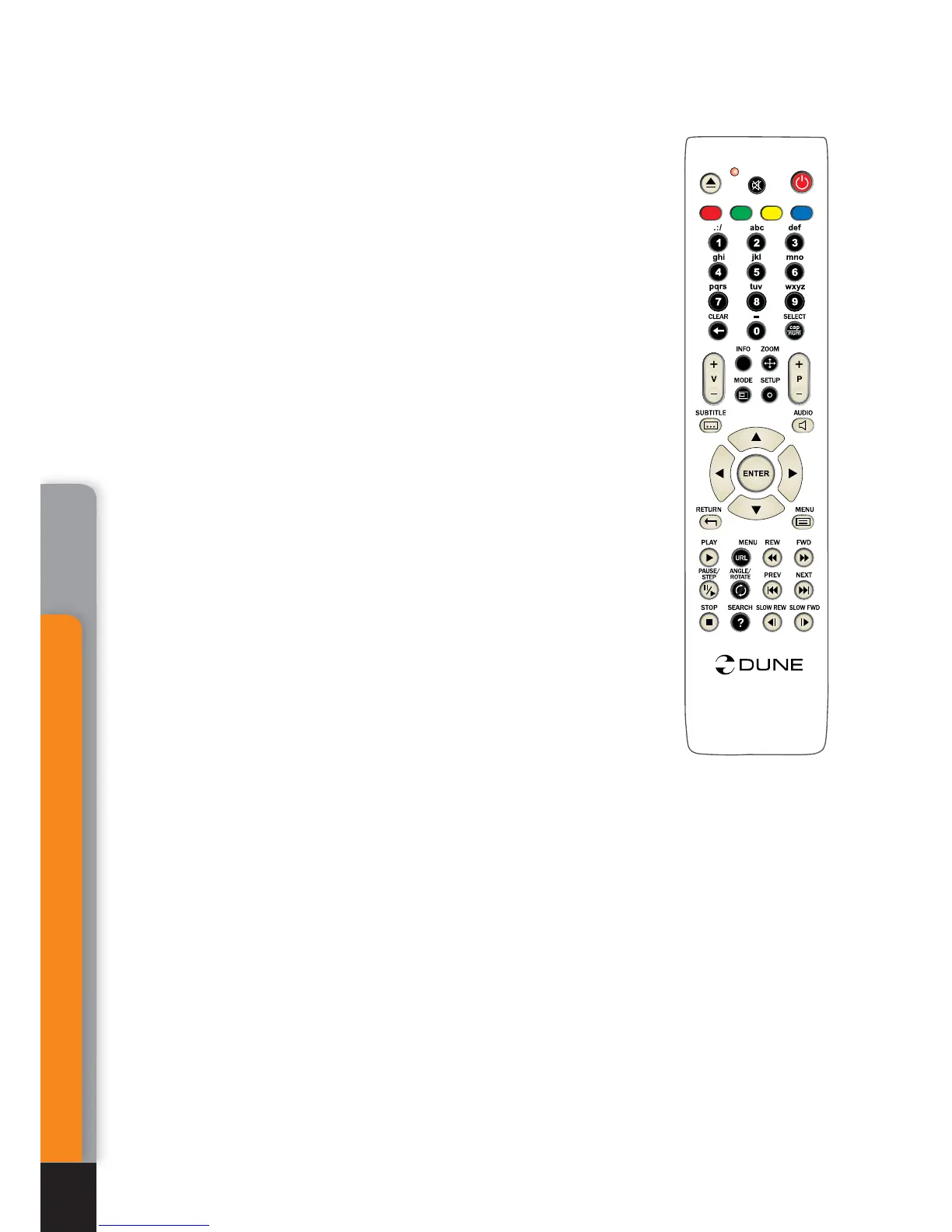
RC usage:
INFO: show \ hide info about current Photo file:
format – file type, width – quantity of horizontal dots, Height
- quantity of vertical dots, Bit Depth.
MENU: show\hide Playlist of Photos
● [7] – Slideshow on/of.
● [8] – Random on/of
RETURN: goes one step back (hide Playlist).
PLAY: creates the Playlist and starts a Slideshow.
PAUSE: pause the Slideshow.
STOP: stops the Slideshow.
PREV (left): backward to one Picture.
NEXT (right): forward to one Picture.
ANGLE/ROTATE - rotates the picture to 90 degrees
.
.
.
.
.
.
AB
C
D
T
O
P
i
O
PP
U
P
/
Mediacenter
38
Chapter 7



 To Next Page