89
Chapter 6 Trouble Guide
Copyright © 2019 Duplo Corporation All Rights Reserved
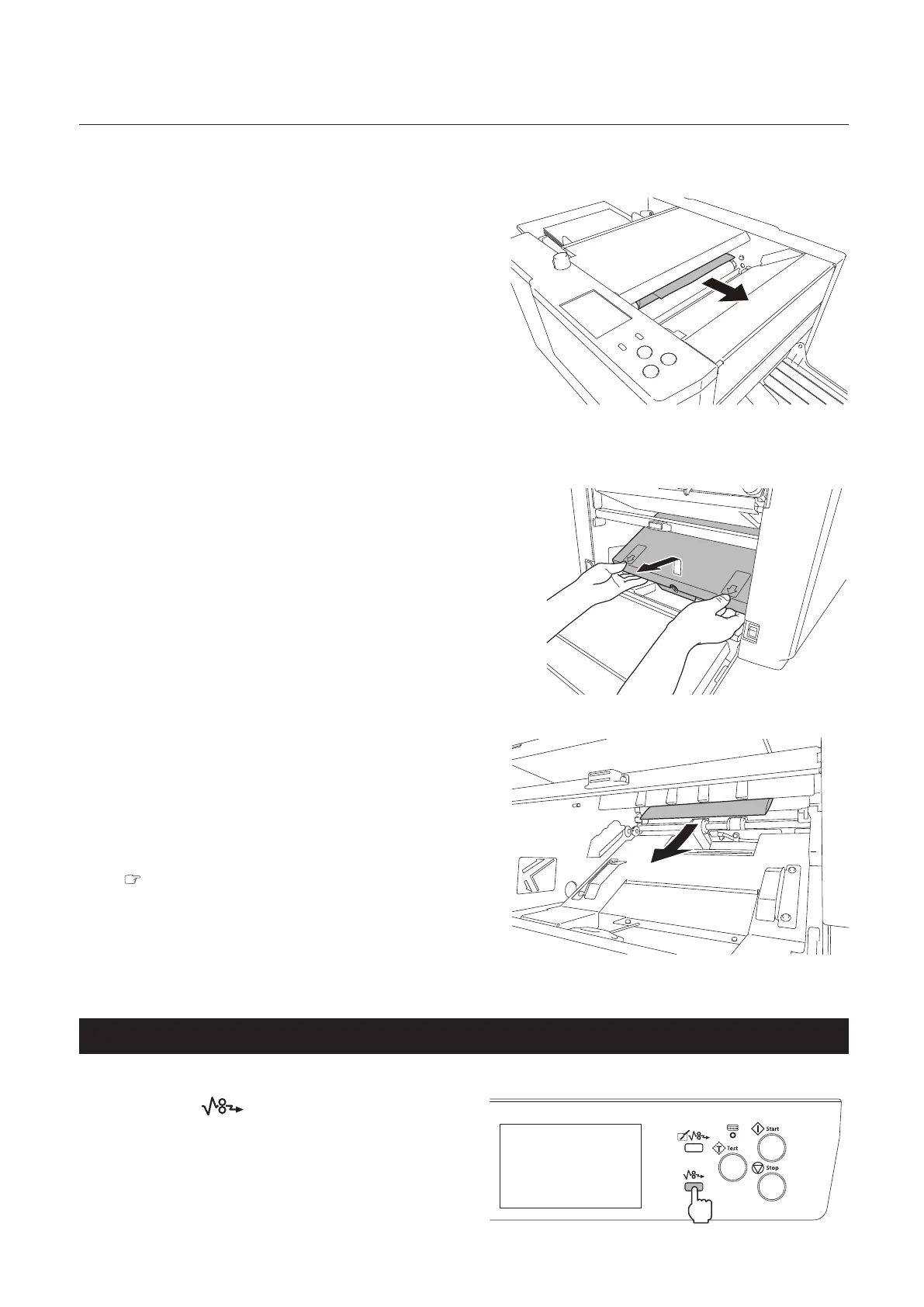
Folding plate 1
1
Take out the folding plate 1.
2
Remove the jammed paper.
Folding plate 2
1
Open the side cover.
2
Take out the folding plate 2.
3
Open the top cover.
4
Pull out the paper rotating the jam
correction knob.
5
Close the top cover.
6
Insert the folding plate 2.
Chapter 1 “2-3. Installation procedures” (p.5)
7
Close the side cover.
The side cover will not be closed if the folding
plate 2 is not attached correctly.
2-4. Ejecting section
Press the key.
Thepaperisforciblyejected.
Paperisejectedforciblyaslongasthekey
ishelddown.Forcibleejectionwillstopby
releasing the key.



 To Next Page