UFM2/UBT User Manual
Issue 1.1b July 20 Page 19
2.10.3 Troubleshooting the Flow Reading
The direction of flow when powered up will be taken to be the positive flow direction. The pulse
output will relate to the flow in this direction. If the flow is reversed then the flow rate will still be
displayed but the activity indication will change from an asterisk to an exclamation mark and no
pulses will be generated.
If the flow value is displayed as “-----“ this indicates that there is no usable signal from the flow
sensors.
The cause of this could be:
• Incorrect pipe data
• Sensor not in contact with the pipe
• Air in the liquid/pipe
• No Gel pad or grease on the sensor
• Very poor pipe condition-surface/inside
2.11 Clip Electronics Module to Sensor Assembly
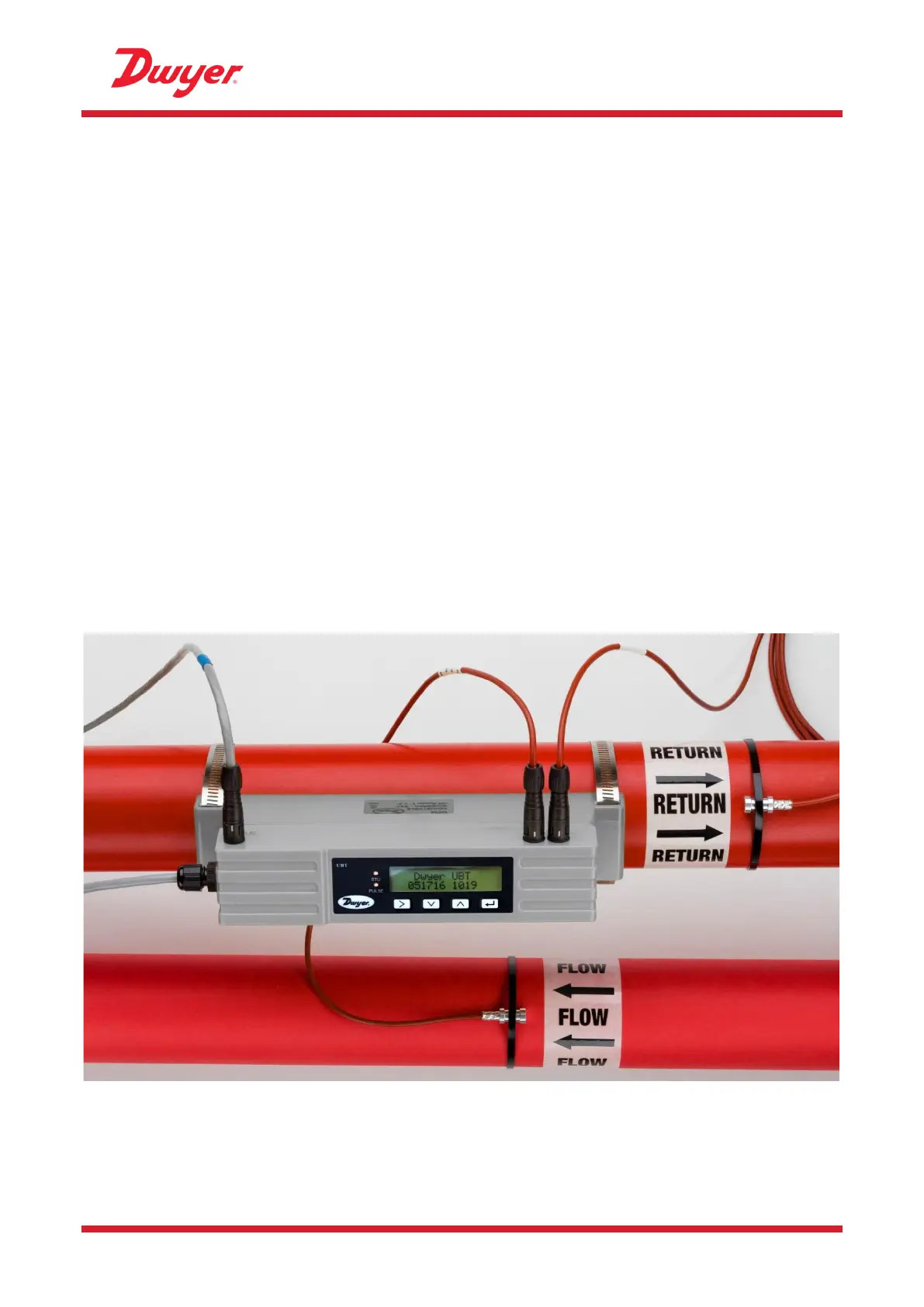
If the unit is working correctly, clip the Electronics Module onto the Sensor Assembly. Secure in
place with the screw on the right side (see Figure 21 on page 33).
Figure 20 Fully assembled UBT unit


 To Next Page