UFM2/UBT User Manual
Page 20 Issue 1.1b July 20
3 MENUS
The password-protected menus allow you to change the default settings:
• Setup (see page 21)
• Modbus (see page 22) – if Modbus output option installed
• Current Output (see page 22) – UFM2 only
• Pulse Output (see page 24)
• Calibration (see page 25)
• Volume Totals (see page 26)
• Exit
For troubleshooting purposes, an additional Diagnostics menu is available from the main Flow
Reading or Total Flows screens (see page 27).
3.1 Accessing the Menus
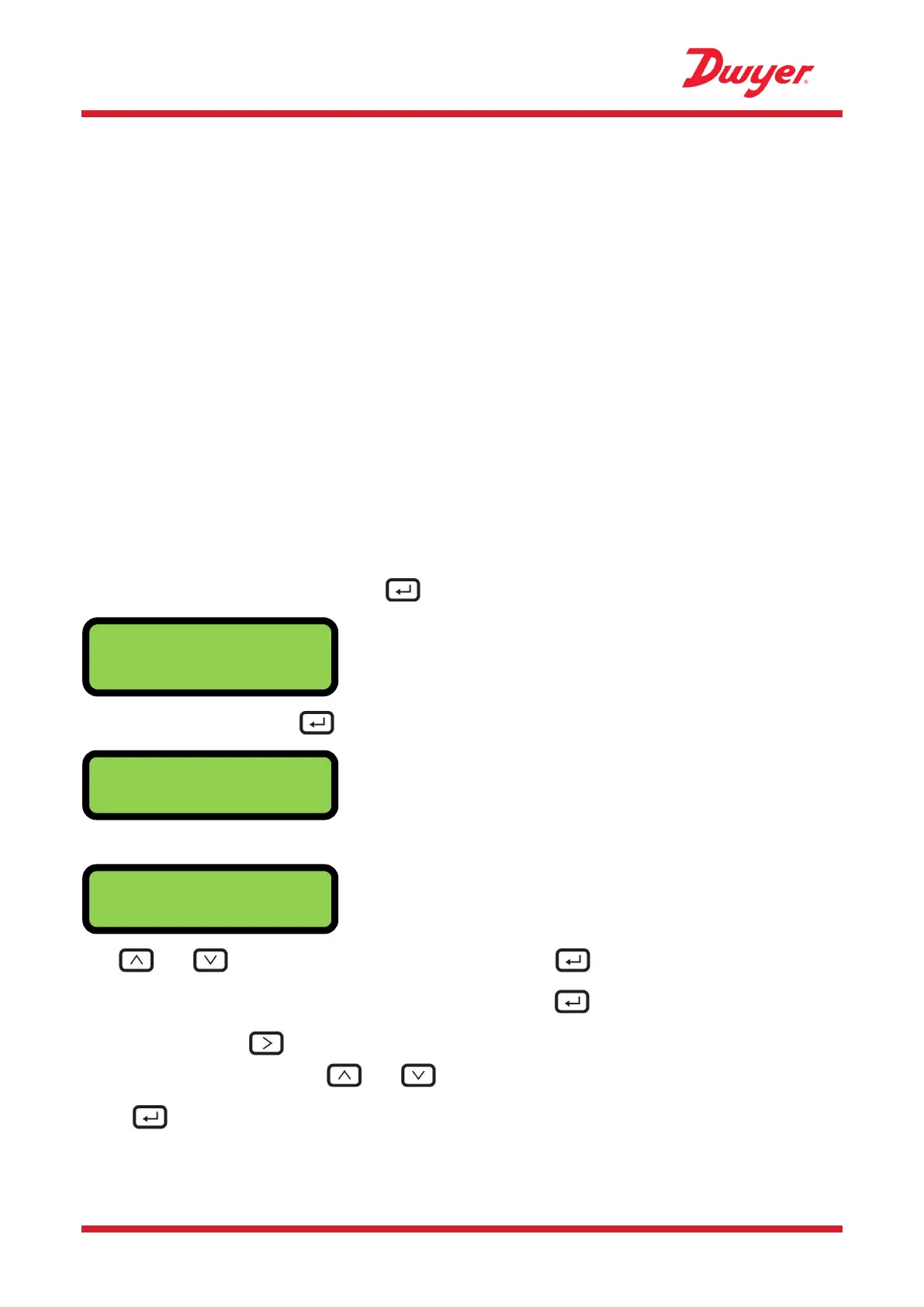
Ensure that the instrument is in Flow Reading ,Total Flow, Temperature dT, Total Energy, Instant
Power or Total Flow modes, then press .
Enter 71360 and then press .
The Setup Menu is displayed.
Use and to cycle through the menu sections. Press to open a menu.
To return to the Flow Reading screen, scroll to Exit and press .
Within a menu, press to change between two displayed options (the active setting flashes) or,
if there are several options, use and to cycle through the possible values.
Press to confirm a value and display the next setting (or exit the menu if it is the last option).


 To Next Page