Autopilot Operation
SkyView SE Pilot’s User Guide - Revision I 7-5
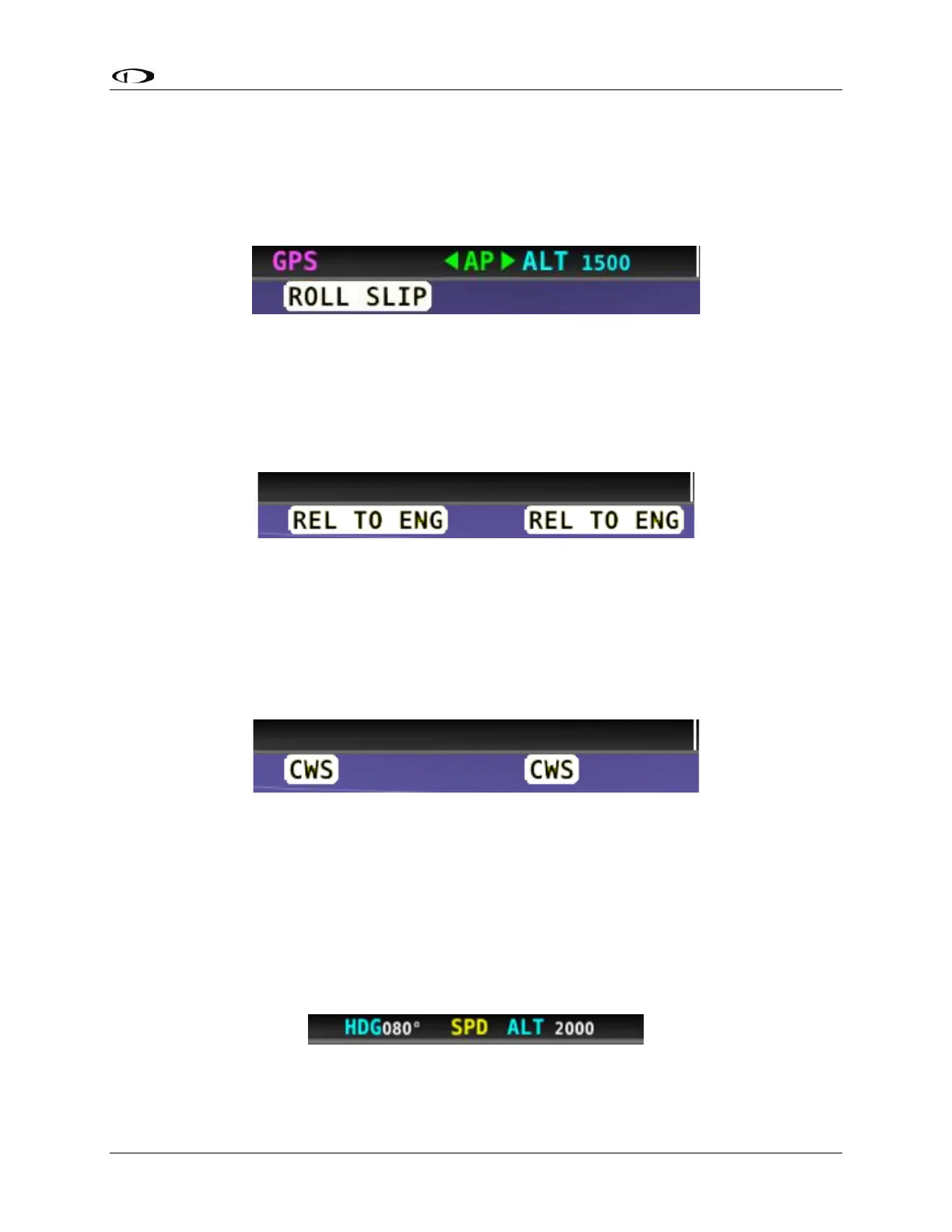
Roll Slip Message
You may see this during periods of turbulence or if the strength of the servo is not sufficient to
actuate the control surface. If slipping occurs on the roll servo, SkyView SE displays a slip
message as illustrated in the following figure. Reference the SkyView Classic / SE / HDX System
Installation Guide for more information regarding servo slippage.
Figure 50 – Roll Slip Message
Hold To Engage Indicator
Displayed when the disconnect switch is held down to engage the autopilot. The behavior upon
release is different for Simplified and Expert Autopilot Control schemes. See the Simplified and
Expert Control sections below for additional Hold To Engage behavior information.
Figure 51 – Hold to Engage Indicator
Control Wheel Steering Indicator
Displayed when the disconnect switch is held down while the autopilot is engaged to adjust the
autopilot’s targets. Control Wheel Steering behavior is different for Simplified and Expert
Autopilot Control schemes. See the Simplified and Expert Control sections below for additional
Control Wheel Steering behavior information.
Figure 52 – Control Wheel Steering Mode Indicator
The Control Wheel Steering feature can be enabled and disabled via the Autopilot Setup Menu.
See the SkyView Classic / SE / HDX System Installation Guide for details.
Airspeed Out-Of-Range Indicator
SkyView SE uses the indicator shown below to denote that the aircraft airspeed is outside of the
specified autopilot airspeed range as specified during installation. When SPD is displayed in the
Top Bar the autopilot cannot be engaged.
Figure 53 – Speed Out-Of-Range Indicator



 To Next Page