2388-MANUL-V10.00.00-UTP2 Operating Manual
Page 20 of 74
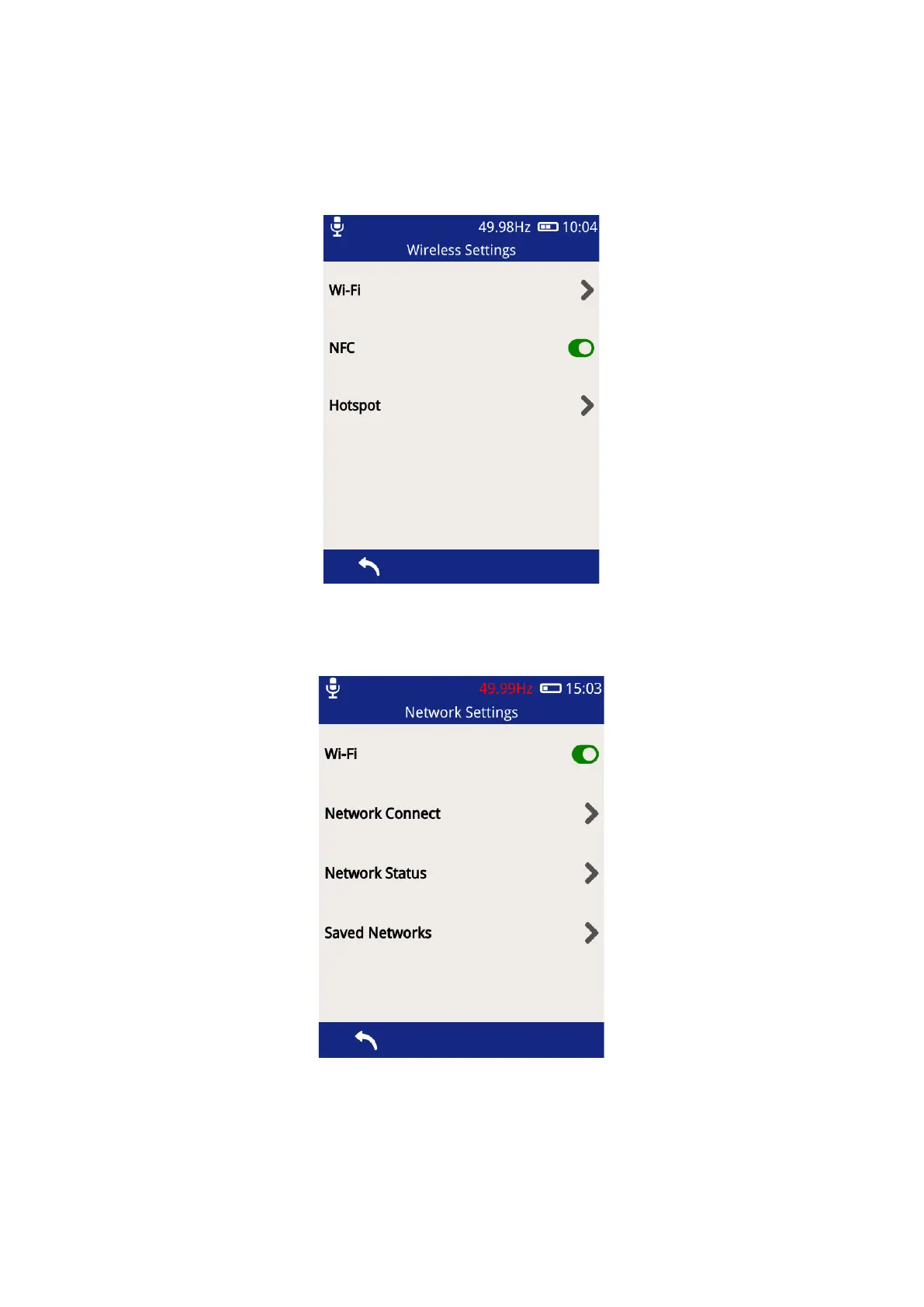
3.12.3 Wireless Settings
This section allows the setting of the Wi-Fi & NFC features of the UTP2.
The NFC is enabled system wide by sliding the toggle switch to green. Once active the NFC features can be
accessed through the survey and measurement screens.
The Wi-Fi functionality can be switched on/off using the toggle button shown above. Select ‘Network Connect’
above to connect it to a Wi-Fi network.



 To Next Page