2388-MANUL-V10.00.00-UTP2 Operating Manual
Page 48 of 74
3.17.7 Ultrasonic Analysis
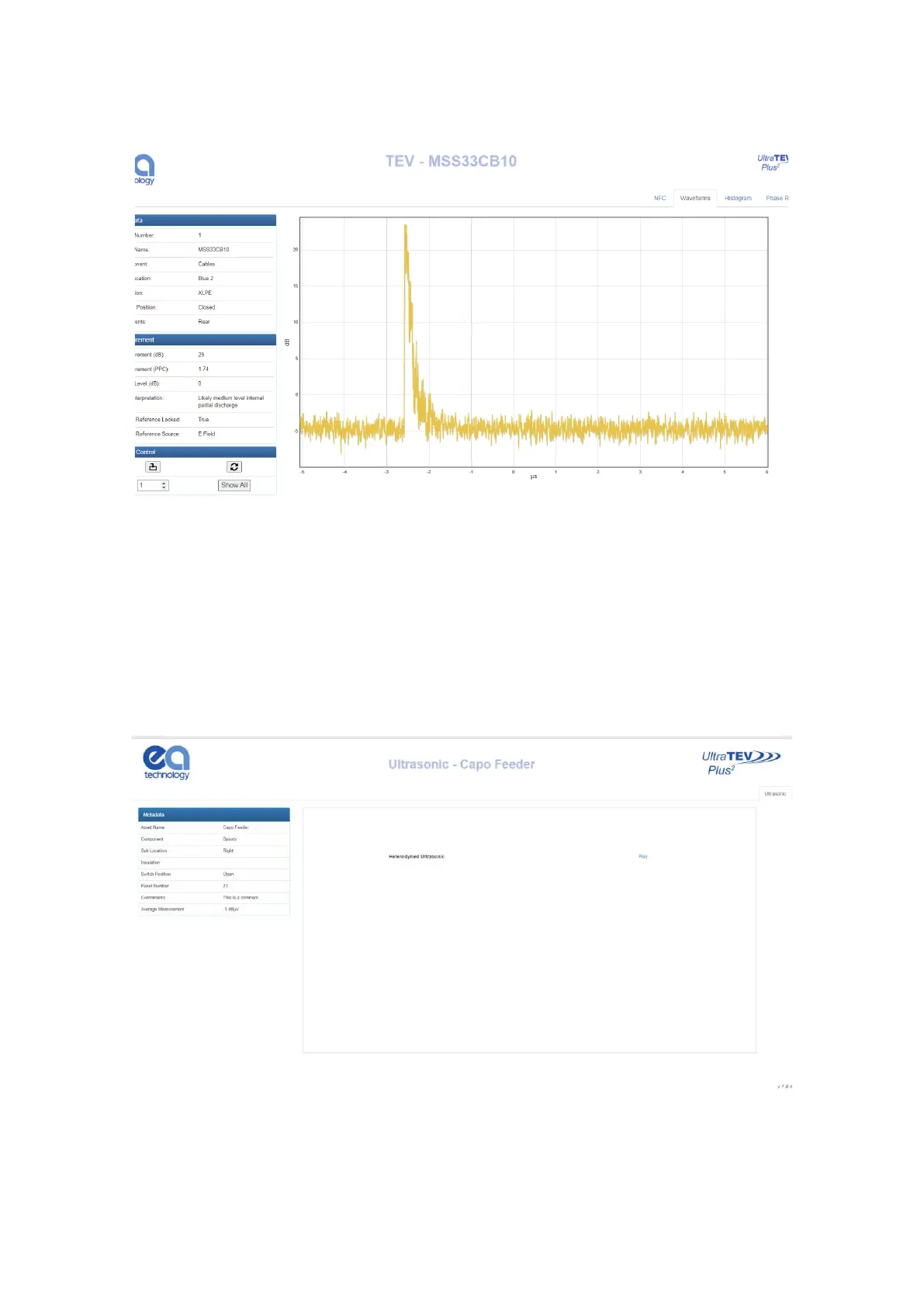
Once an ‘Ultrasonic’ measurement has been selected on the index page, a new tab will open in the browser with
the analysis page corresponding to the measurement selected. The metadata section will be displayed to the
left side of the page, and the ‘Play’ button aligned with the ‘Heterodyned Ultrasonic’ label can be used to listen
to or download the .wav file (browser dependent). If the browser does open the file and begin to play it, right
click the player and select ‘Save file as’ to save the file.



 To Next Page