2388-MANUL-V10.00.00-UTP2 Operating Manual
Page 59 of 74
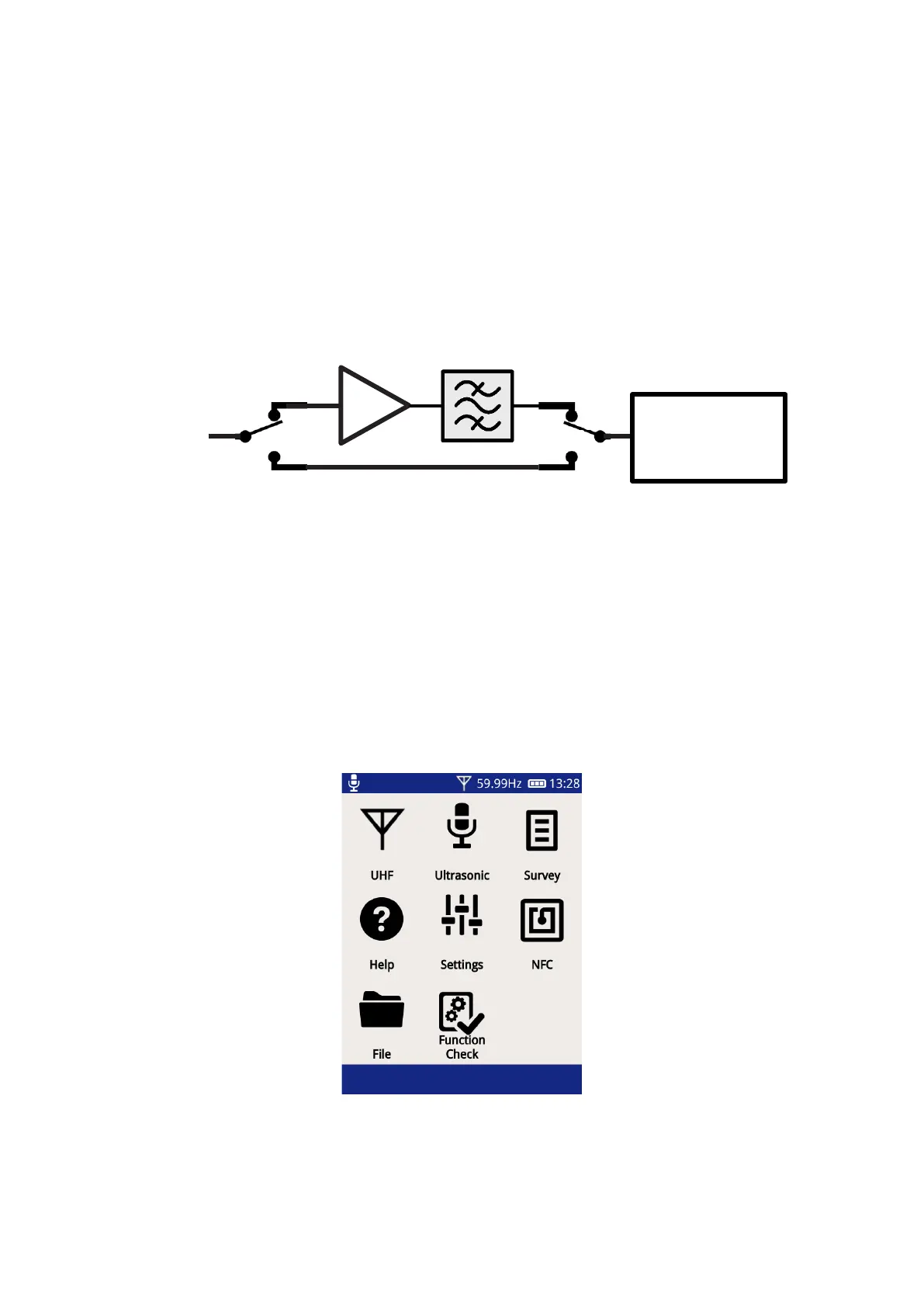
The UHFR1 includes narrowband and wideband modes which can be selected by software. In narrowband
mode, the signal is amplified by an adjustable gain and filtered to an adjustable frequency. In wideband mode,
the full bandwidth of the signal is received by the UTP2 at all times.
4.4.1 Using the UHF Receiver
To prepare for partial discharge detection:
• Turn on the UTP2.
• After it boots to the home screen, connect the UHFR1 to the UTP2 by pushing the Smart Accessory
connector into the Smart Accessory Port of the UTP2.
• The TEV icon on the Main Menu will change to a UHF icon. UHF functionality can be accessed by
selecting this icon.



 To Next Page