2388-MANUL-V10.00.00-UTP2 Operating Manual
Page 64 of 74
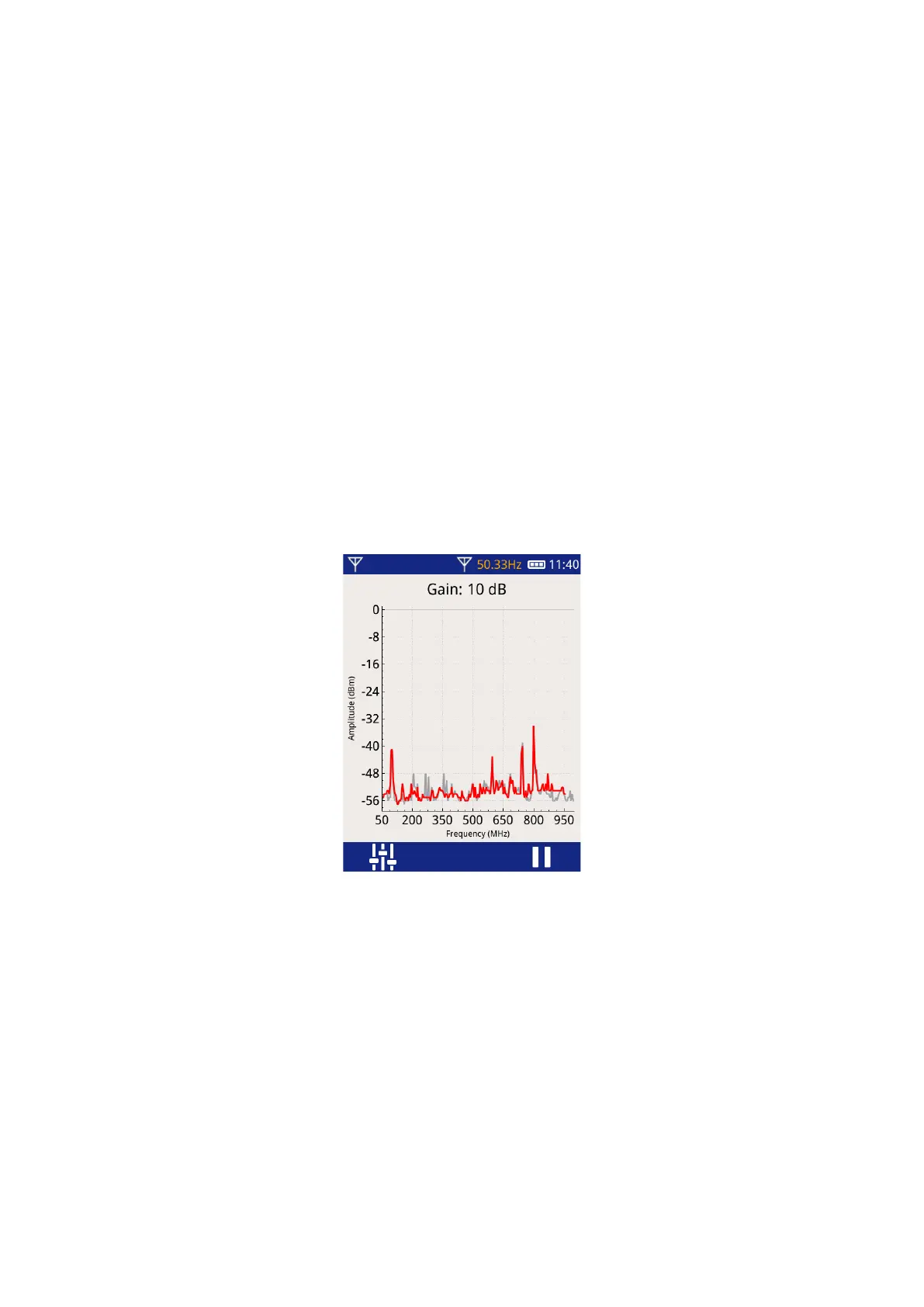
4.4.10 Spectrum Mode
Spectrum mode can be used to compare measurements with previous results or de-energized results to look
for significant changes.
When using a directional antenna, Spectrum mode can be used to compare the signal when the antenna is
aimed away from the asset, with the signal when it is aimed at the asset. When aimed away, it gives an
indication of noise levels not generated by the equipment.
4.4.11 Wideband Versus Narrowband
The wideband function will allow signals from the entire spectrum of ~5 MHz to >3300 MHz to be measured.
This can result in undesired high levels from radio transmitters like mobile phones, Wi-Fi access points, etc. To
avoid this interference, narrowband mode is usually used for all measurements. It uses a narrow slice of the
RF band, centered at the set frequency.
The default frequency for narrowband mode is 800 MHz. This frequency typically does not have many
interfering sources present. If non-phase resolved signals are very high when you take a measurement, you
can adjust the center frequency as described above.
4.4.12 Taking Measurements
With the sensor of choice and the screen of choice, move the sensor around the asset, tilting it through 90
degrees looking for the highest levels. When you find the highest levels, adjust the gain so the signal is clear
and neither red arrow is indicated. You want to show the highest possible signal without overwhelming the
screen with noise.
Partial discharge, unlike most other interfering signals, will be phase resolved. This means there will be groups
indicated on the phase resolved screen that are at a constant phase angle. This is easy to see on the 3D phase
resolved screen.
When there is a clear phase resolved pattern on the screen, save the data using survey mode.



 To Next Page