Zoom Functions
Zoom functions will move, enlarge or minimize extracts from your drawing. Click on the button , or press
down the arrow keys on the keyboard when the drawing window is active, to move the drawing around inside
the drawing window. Scroll the mouse wheel when the drawing windows is active, or click on the button
and select the corresponding function, to enlarge or minimize the extract.
Button Label Function
Hot
Key
Adapt to the
window
Adapt a window of extract to the drawing window.
Zoom All Adapt all the drawing elements to the drawing window. F3
Machine
range
Adapt the whole machining range to the drawing window. F4
Adapt to
selection
Adapt the selected drawing element(s) to the drawing window.
Zoom
Dynamically
Enlarge or minimize the extract when pressing down the left mouse
button and moving in the drawing window.
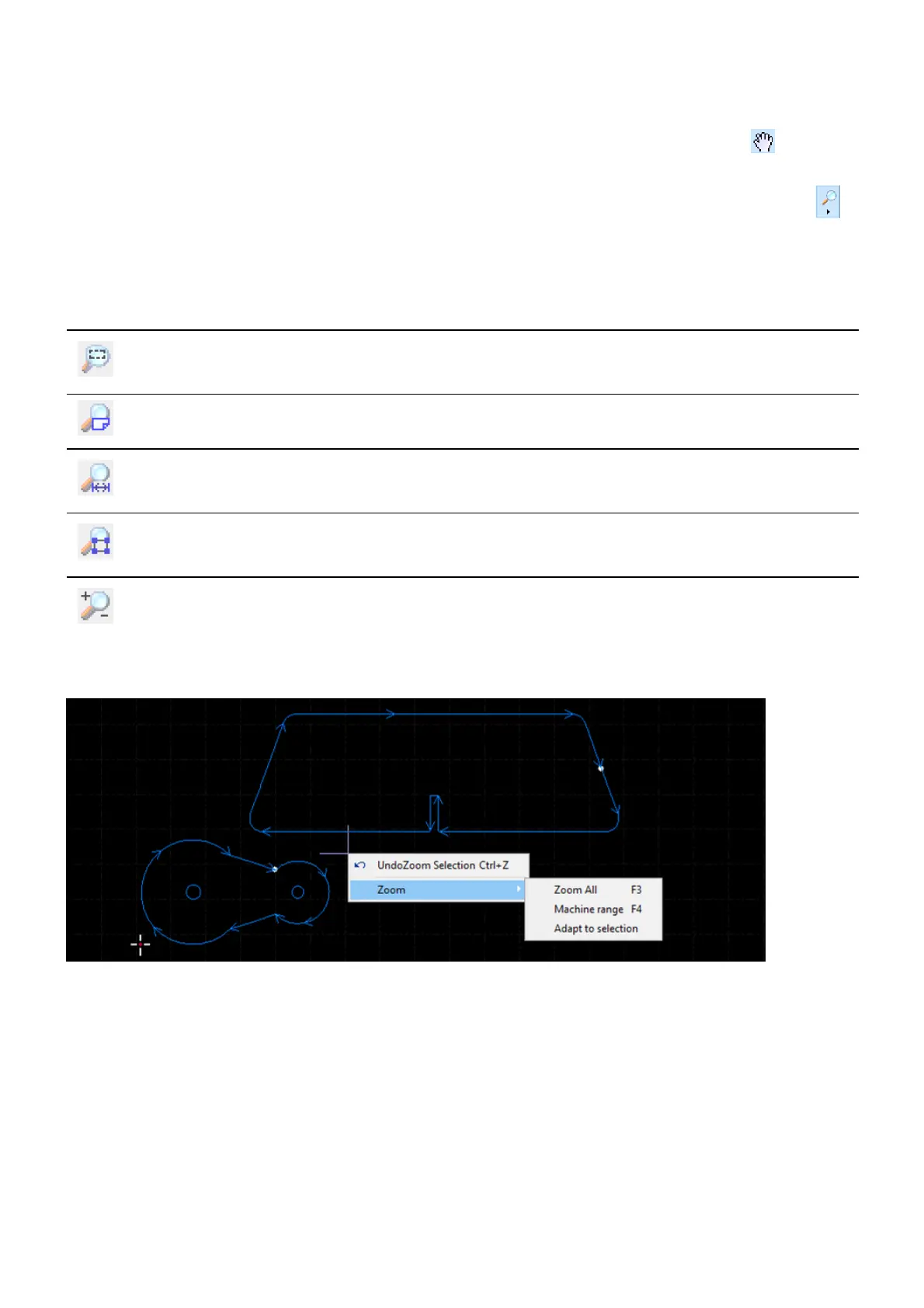
You can also select the zoom commands from the context menu in the drawing window.



 To Next Page