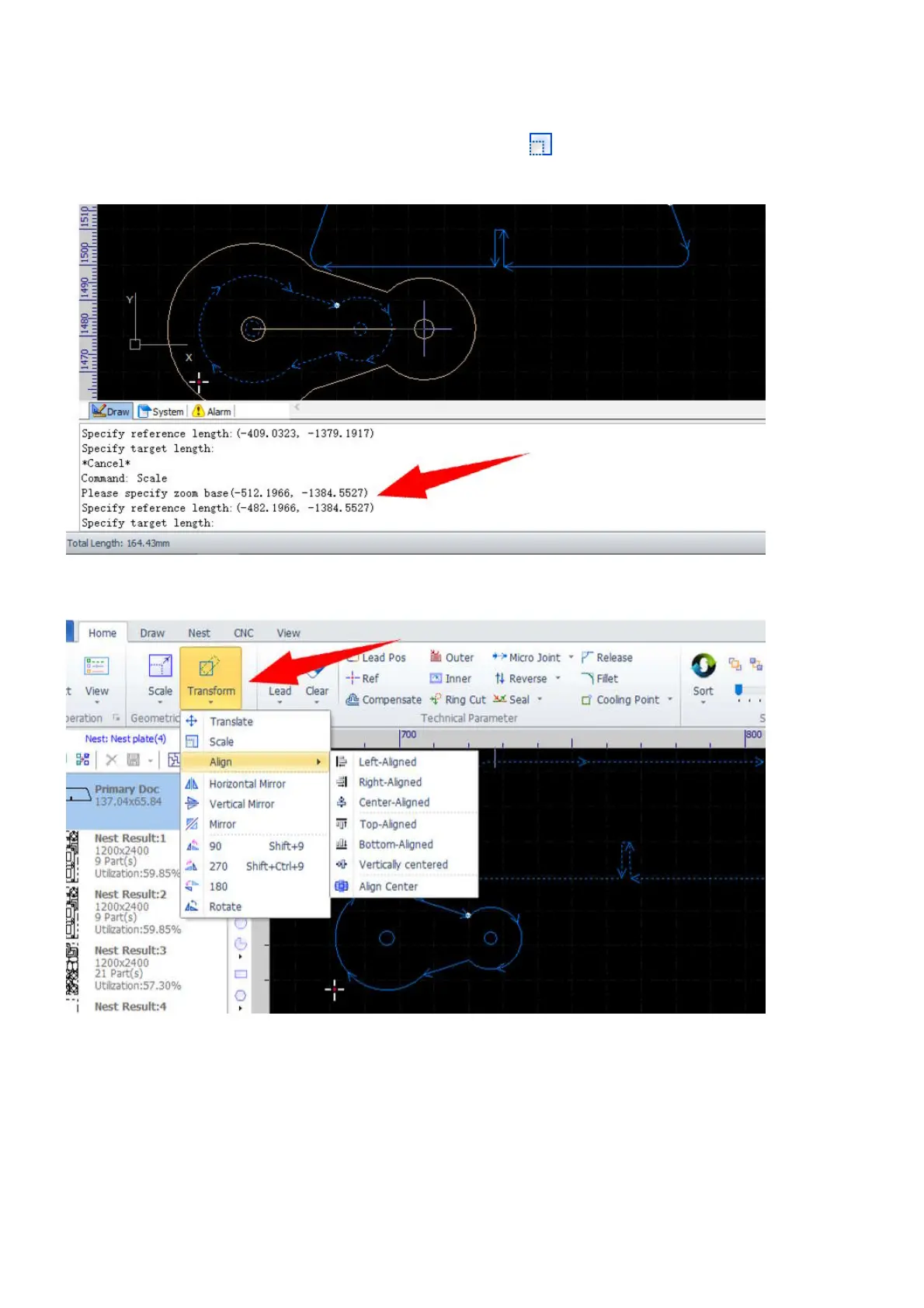
You can also choose the other commands in the pulldown-menu Scale to change the size of the selected
objects by a fixed width, i.e. 100mm or 200mm, or to a size times of the current size. If you want to scale the
objects in the way of dragging and setting, select the command Scale, and follow the prompts in the
Draw command window to complete the command.
The other transformation functions are grouped in the menu Transform in Home.



 To Next Page