Eaton SPD Series for Mounting External to Electrical Distribution Equipment Installation Manual IM01005031E—Rev 09 25
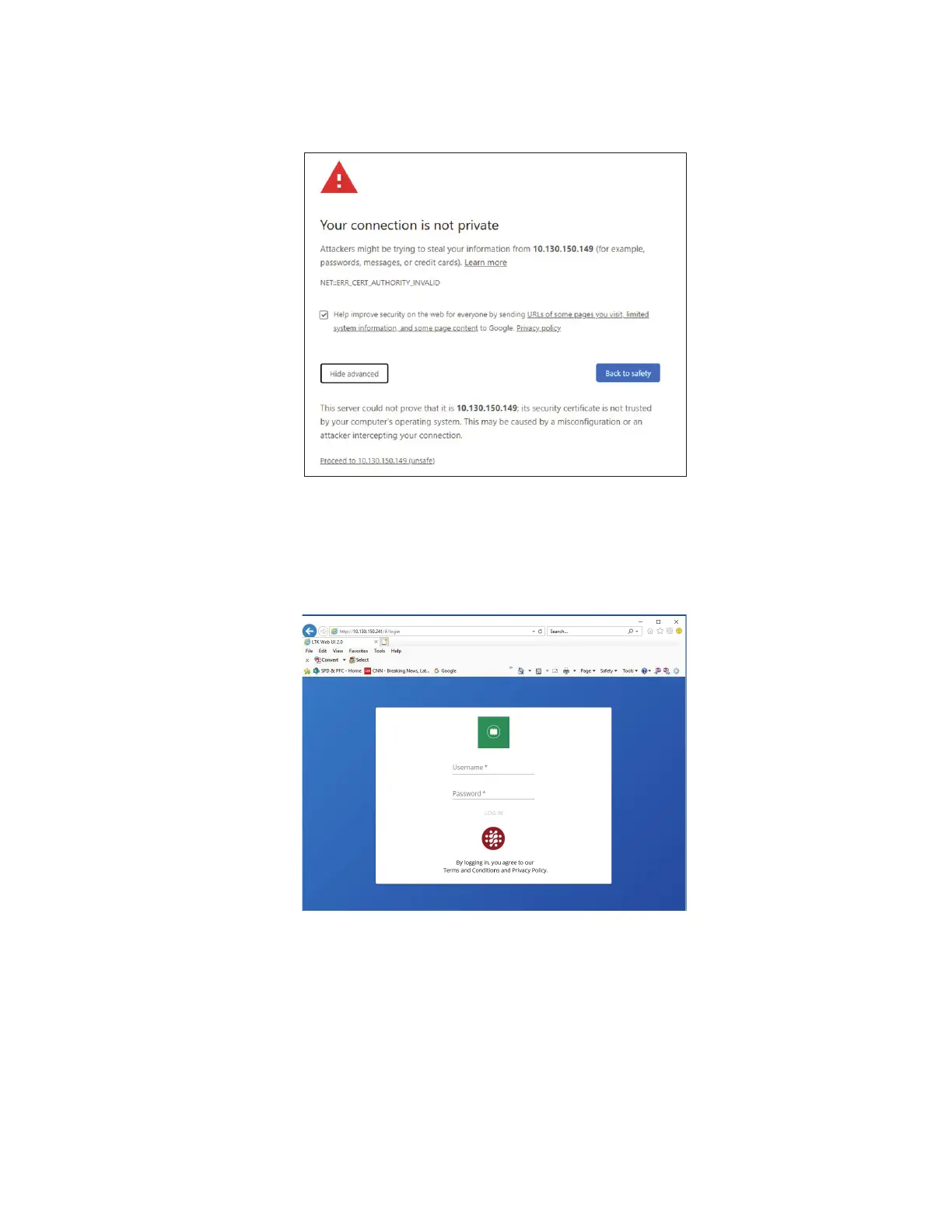
5. The login screen shown below will open. Enter the default user name and password shown above and hit
the enter key.
FFiigguurree 2288.. PPoowweerr XXppeerrtt LLooggiinn SSccrreeeenn
6. The change password window will open. Enter the default password and then enter a new six digit alpha-
numeric password and then click OK. Save the password in a secure location to access the Web UI. If lost,
contact Eaton’s Application Engineers, at 1-800- 809-2772, or email SPD@eaton.com.
Power Xpert SPD User Setup


 To Next Page
 Loading...