SD Series Dry Cabinets Setup and Operation Manual | A62-3337-00 Rev: 1.0.0 Page 26
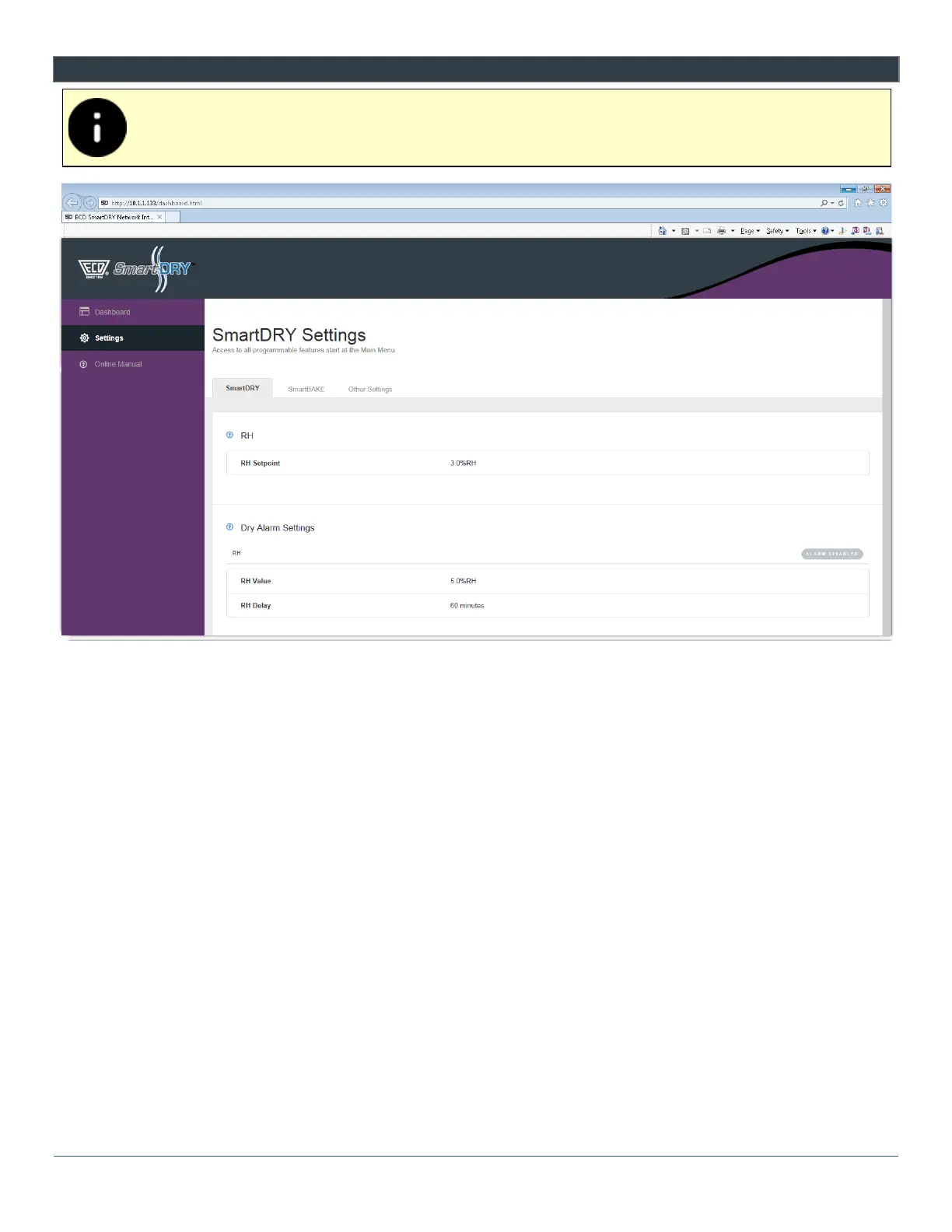
7.2 SETTINGS
The Settings are a current snap shot of the cabinet settings. All changes to the cabinet settings
have to be done from the Main Display.
1) SmartDRY™ Settings:
o RH - Displays the RH setpoint.
o Alarms - Displays any configured Alarms.
2) SmartBAKE™ Settings:
o SmartBAKE™ - Displays the settings for baking.
o Alarms - Displays any configured Alarms.
3) Other Settings:
o Date/Time - Displays the options for the date and time settings.
o Data Logging - Displays the log interval when the unit records data.
o Sensor - Displays the sensor type, Serial number and configuration.
o Door Condition - Indicates if the Dashboard displays door notification.
o Units - Displays the temperature units.
o Network - Displays the network IP Address, Subnet Mask and Gate way of the network that the
cabinet is connected to.



 To Next Page