SD Series Dry Cabinets Setup and Operation Manual | A62-3337-00 Rev: 1.0.0 Page 90
11.0 SERVICE AND TROUBLESHOOTING
11.1 MAIN DISPLAY IS BLACK:
The main display should power on within 30 seconds of apply power. If not, try the following:
• There is no power at the power plug:
o Confirm the power plug is energized.
• The controller did not correctly reset:
o Unplug the power, wait 10 seconds or so and reconnect to the cord to the power plug.
• The circuit protection fuse has “blown” and need to be replaced:
o Always disconnect the cabinet from the power cord from the power supply before replacing the
protection fuse.
o Remove the control chassis top cover screws located on the cover’s back
o Slide the cover back about 20mm (1”) and lift off the top. Be careful to prevent the cover from
falling inside the control chassis.
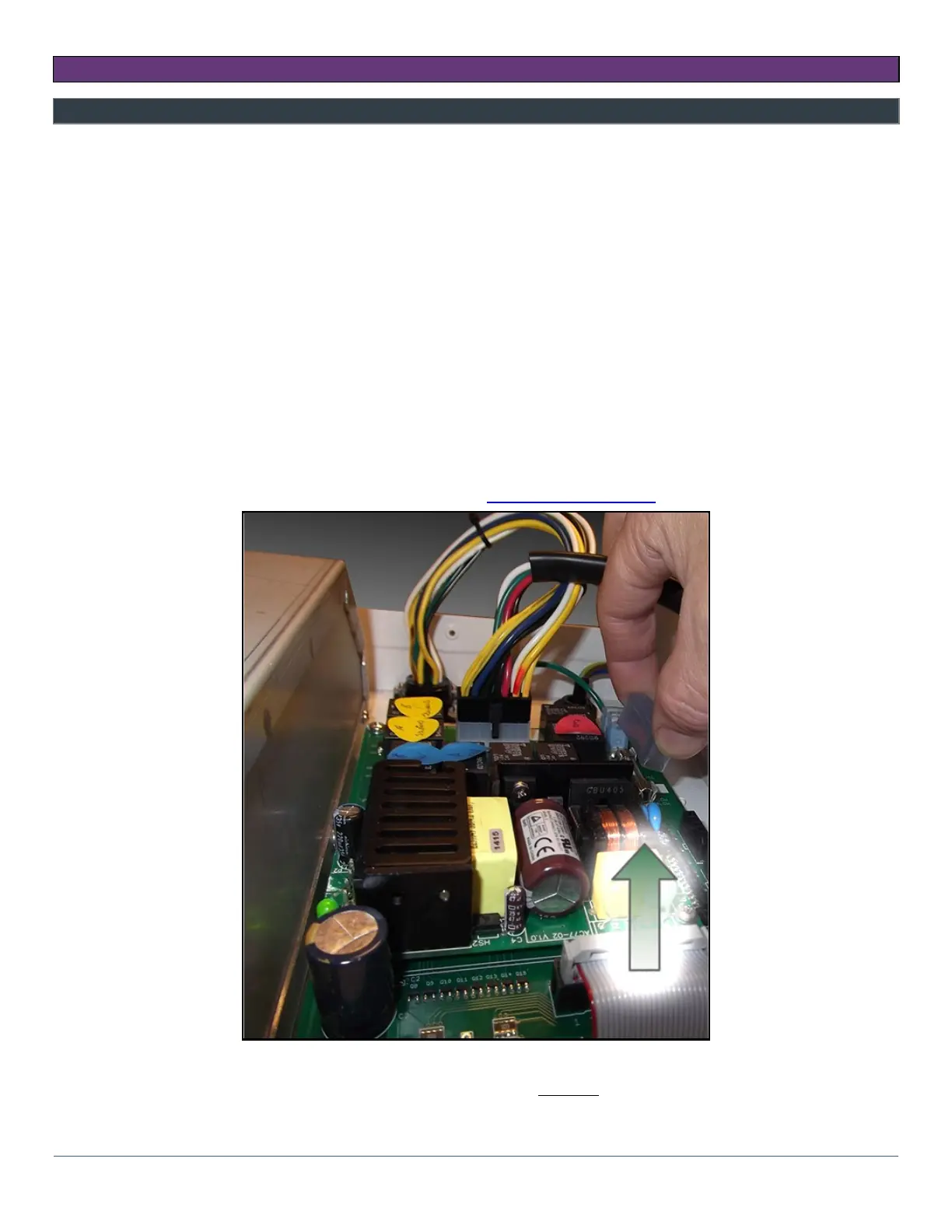
o Find the fuse on the Power Board and remove insulating cover and the old fuse. Replace the fuse
with a 3AG Type Slo-Blo 10Amp for 120VAC supply voltage, 5Amp for 240VAC supply voltage as
noted on the Power board. Refer to Section Appendix A: Parts List for reordering information.
o Replace the insulating cover over the fuse.
o Replace the Top cover and the fastening hardware BEFORE connecting the power cord to the
power supply.



 To Next Page