SD Series Dry Cabinets Setup and Operation Manual | A62-3337-00 Rev: 1.0.0 Page 57
9.3.2 DATE/TIME
The date and time was set at the factory and is maintained by a battery backup. For proper time display on the
graph view, the time zone and daylight savings time mode can be set for your location. You can also select 12
or 24 hour time format.
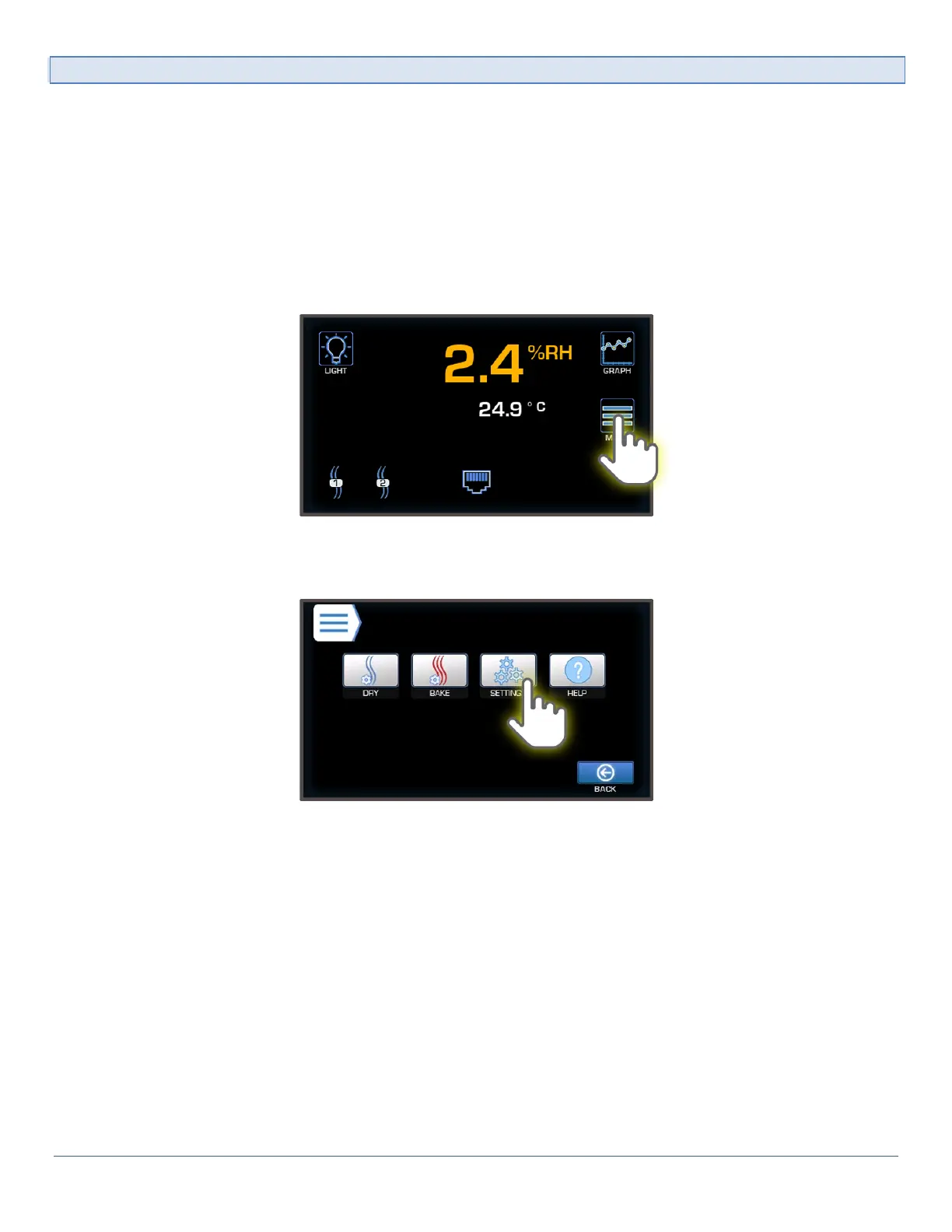
To access the Date/Time Menu:
1) From the Main Display, enter the Main menu by pressing the Menu button. enter the Other Settings
menu by pressing the Settings button.



 To Next Page