SD Series Dry Cabinets Setup and Operation Manual | A62-3337-00 Rev: 1.0.0 Page 29
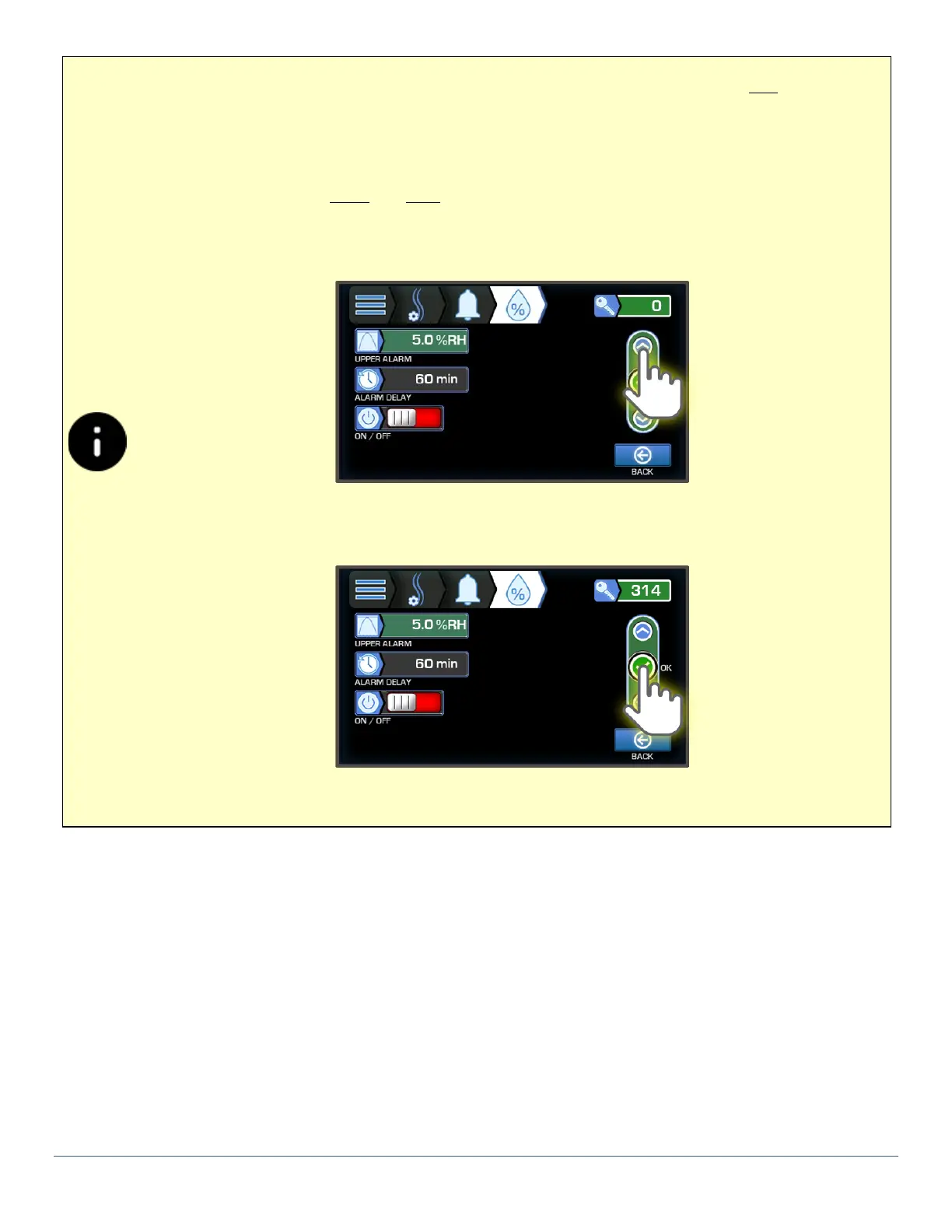
When accessing options that require a Passcode the system default Passcode is 314. As you enter
protected options, you will be prompted to enter it using the Up or Down buttons. Once se-
lected, all locked options remain “unlocked” until you return to the Main Display.
1) When prompted, Press and hold the Up or Down button to navigate to Passcode 314.
Press the OK button to be able to edit the protected field.



 To Next Page