132
132
Adjusting sound quality
Operation
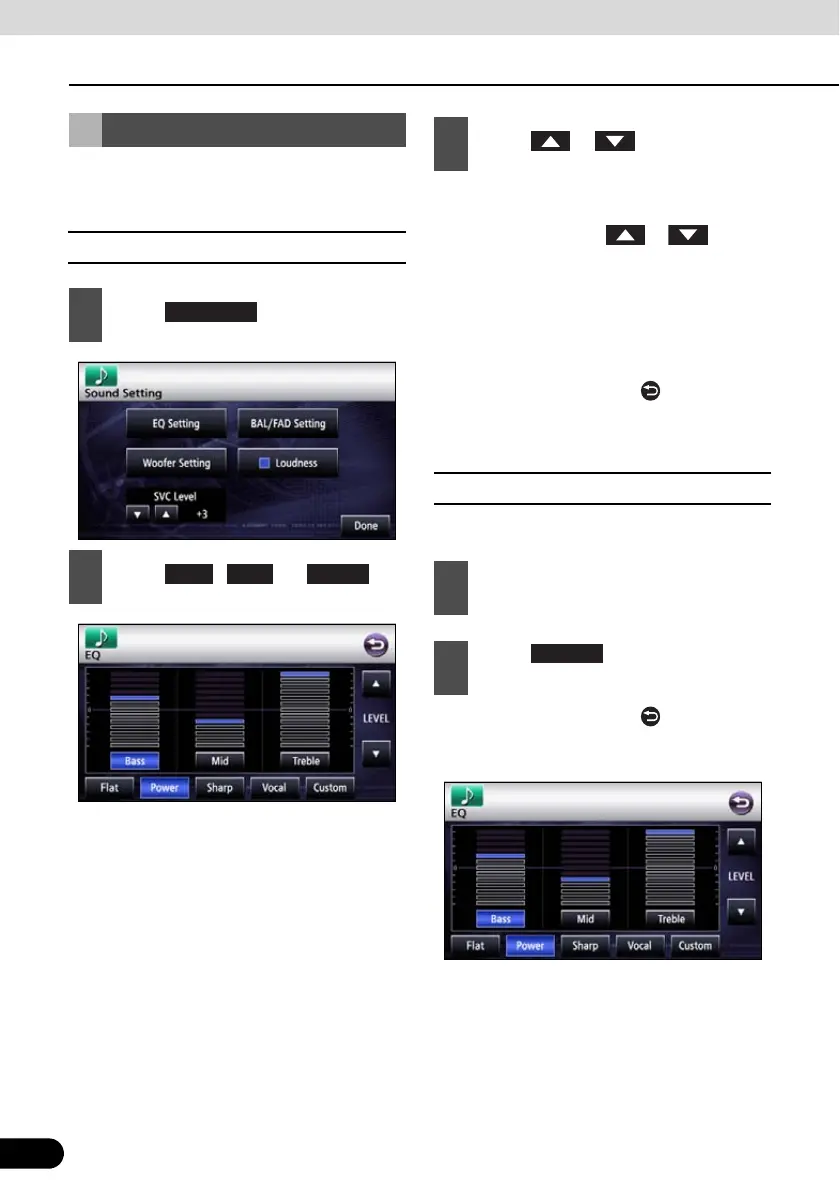
You can adjust sound quality in the low band,
the medium band and the high band.
■ Adjusting sound quality
● When you touch and hold, the value
changes continuously but stops at the
center value. Touch or again to
continue to change the value.
● It is also possible to adjust to preferred
level by touching the screen.
● The maximum adjustment is +6 and the
minimum adjustment is -6.
● On completion, touch to store the
setting and return to the immediately
preceding screen.
■ Storing sound quality
You can store the adjusted sound quality.
● On completion, touch to store the
adjustment and return to the immediately
preceding screen.
Adjusting Sound Quality
1
Touch .
2
Touch , , or .
EQ Setting
Mid Treble
3
Touch or .
1
Adjust the sound quality.
2
Touch for at least one
second.
Custom



 To Next Page