160
160
Before Using the DVD Player
Visual operations
■ Mark Indicated on Disc
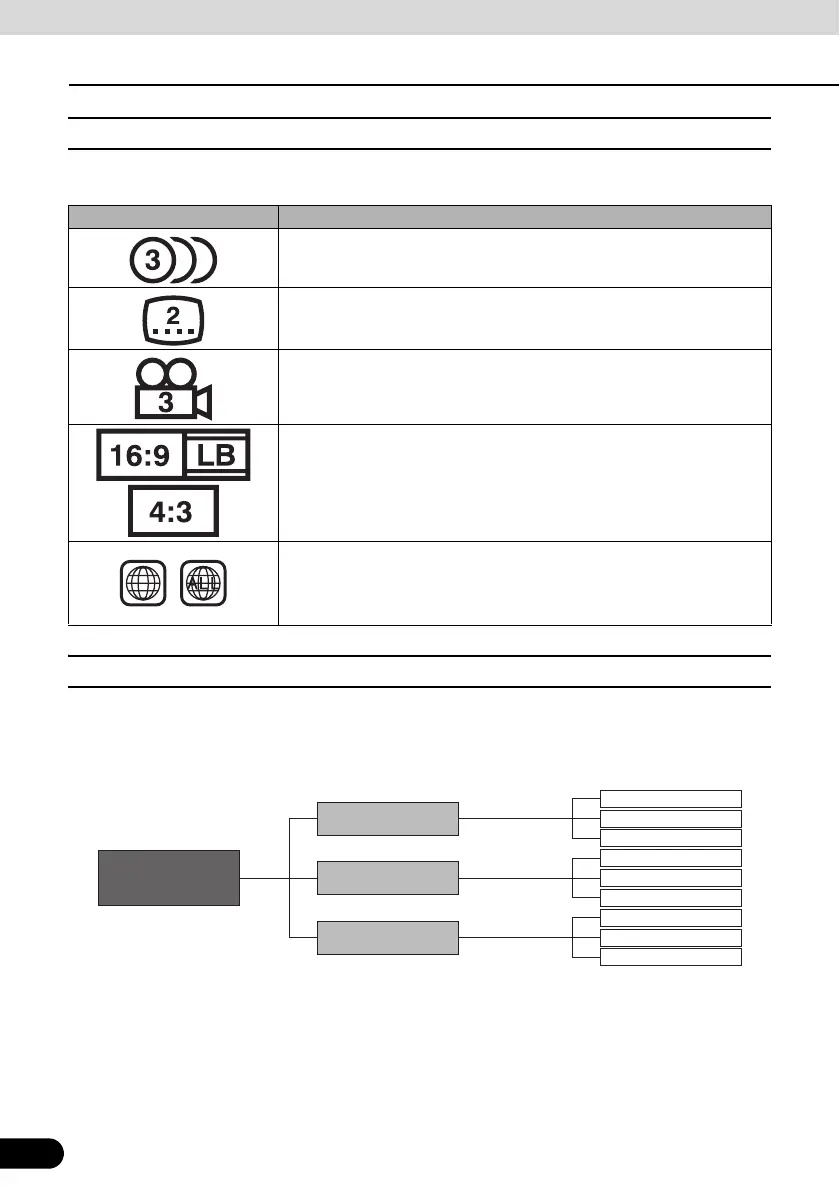
The following table shows the marks that are indicated on DVDs or packages.
■ Disc Configuration
The videos and tracks recorded on a DVD are divided into sections.
A large section is referred to as a title, to which a title number is assigned. A title is divided into
chapters, to which chapter numbers are assigned.
Mark Meaning
Indicates the number of audio tracks.
Indicates the number of subtitles.
Indicates the number of angles.
Indicates the image aspect ratio (ratio between the height and width of the
TV screen) able to be selected.
● “16:9” indicates a wide screen, and “4:3” indicates a standard screen.
Indicates by use of a number regions where the disc can be played.
● “ALL” indicates that the disc can be played anywhere in the world, and
the number indicates a region code. “4” is the region number for
Australia.
DVD-Video
Title 2
Title 3
Title number
Chapter 1
Chapter 2
Chapter 3
Chapter 1
Chapter 2
Chapter 3
Chapter 1
Chapter 2
Chapter 3
Chapter number
Title 1



 To Next Page