189
189
● Playback will begin.
You can fast forward or rewind the track or
the video currently being played.
● To the right:
Forwards a track or video file.
To the left:
Rewinds a track or video file.
It will fast forward (rewind) the video until
the switch is released.
You can select a desired song or video.
● To the right:
Advances to the next file.
To the left:
Returns to the beginning of the file being
played.
Left (Press more than two times):
Returns to the previous file.
The selected song or the video (file) will be
played.
1
Press .
2
Touch .
Fast Forward/Rewind
1
Hold down or for 1 or more
seconds.
iPod
Selecting the Desired
Music or Video File
1
Press or .
Finding a Desired Music
File
If the iPod is disconnected from this receiver
while playing a music file on the iPod, you
will return to the previously selected mode.
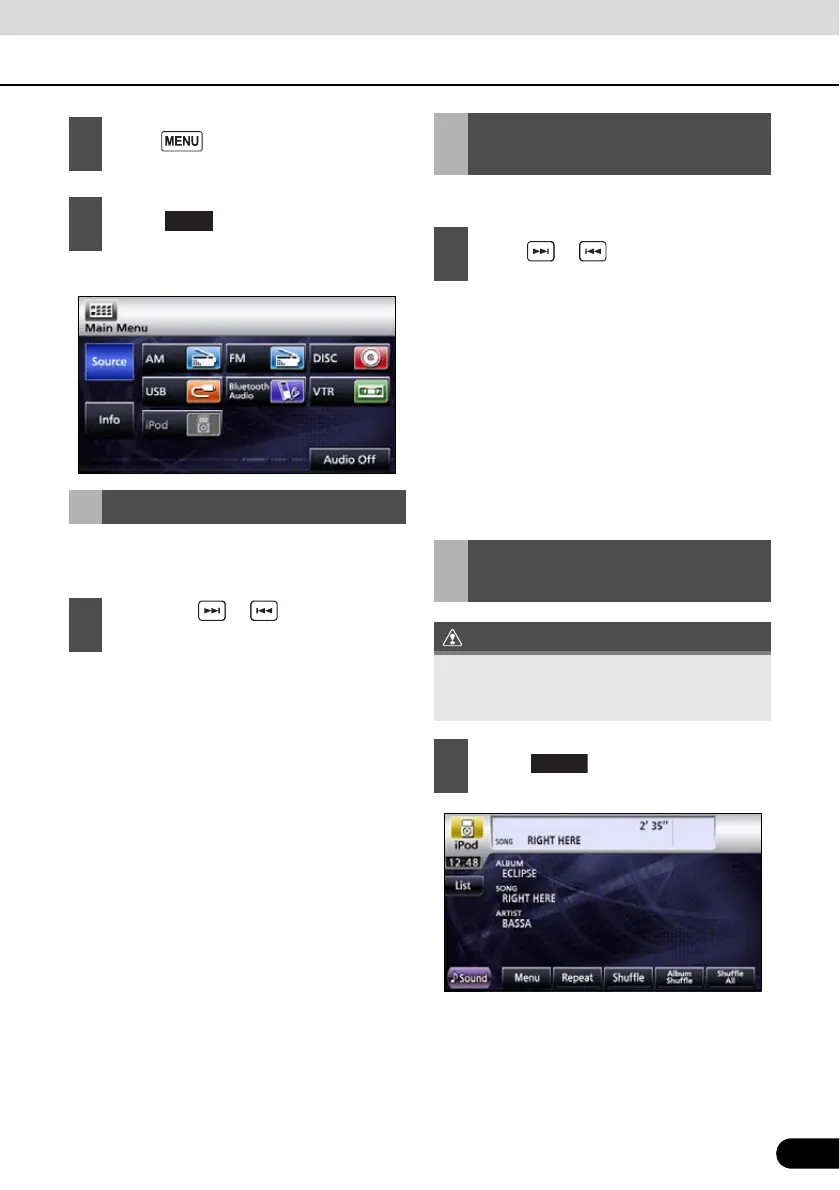
1
Touch .



 To Next Page