183
183
● Plays files of currently playing folder in
random order.
● When you touch , the random
play continues until you cancel it. When
you touch again, the random
play is cancelled.
● If you touch during random play,
the current video is repeated. When you
touch again, random play
restarts.
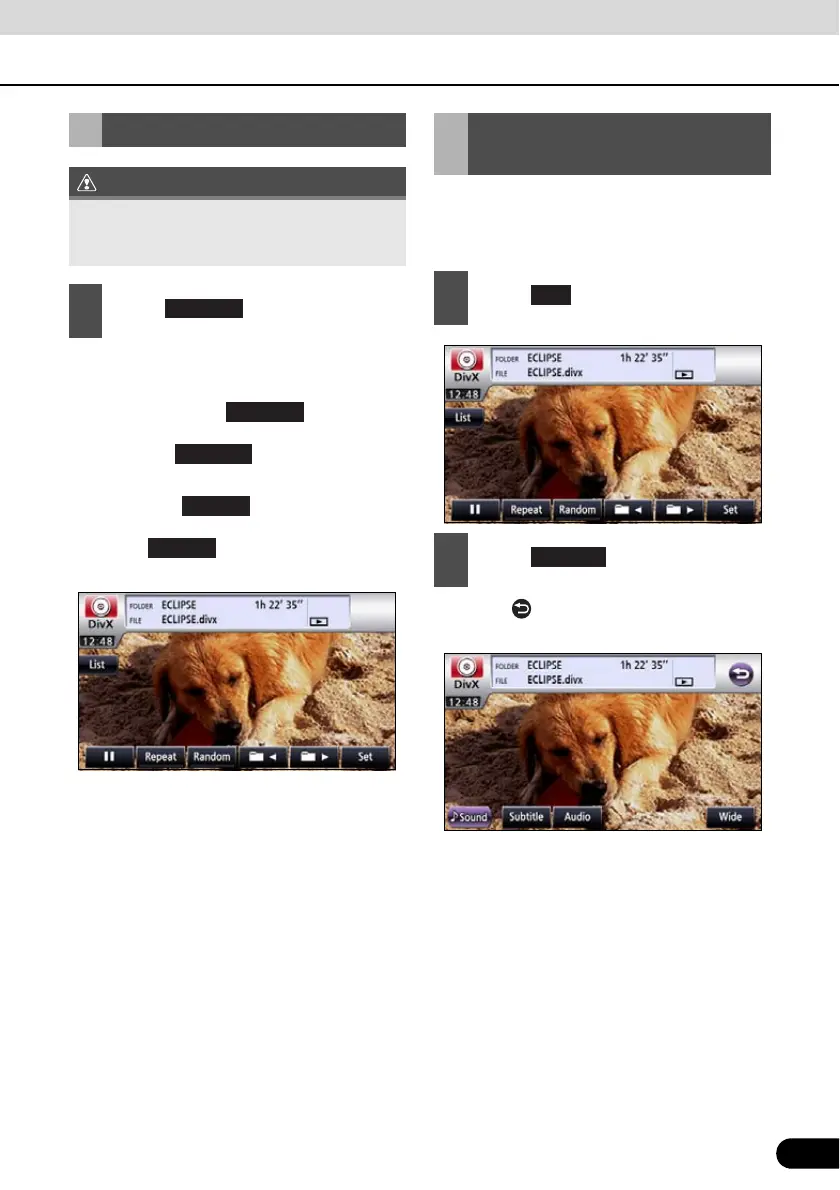
If the target disc supports multiple subtitle
languages, you can change them to display a
video.
● Touch to return to the immediately
preceding screen.
Random Play
When you select repeat or random, its
function is shown as Repeat or Random on
the display.
1
Touch .
Random
Random
Changing the Subtitle
Language
1
Touch .
2
Touch .
Set
Subtitle



 To Next Page