153
153
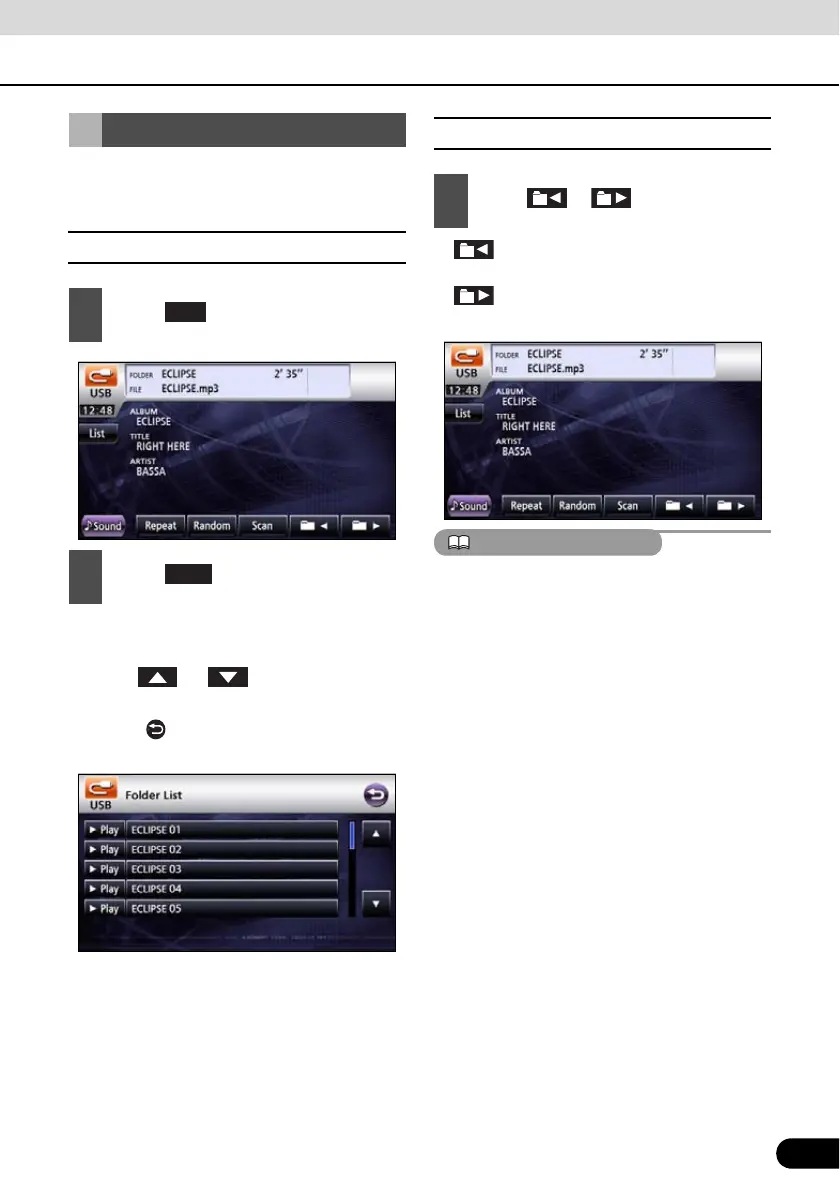
You can select a desired folder from the USB
memory.
■ Selecting from folder list
● Plays first track in folder.
● When the following screen is displayed,
touch or to change between
items.
● Touch to return to the immediately
preceding screen.
■ Select from linked folders
● : Goes to folder one level higher and
plays the first track in this folder.
: Goes to folder on level lower and
plays the first track in this folder.
If no MP3 files exist in the folder, “NO DATA”
will appear in the section where the file name
and folder name are displayed.
Selecting Desired Folder
1
Touch .
2
Touch .
List
Play
1
Press or .



 To Next Page