169
169
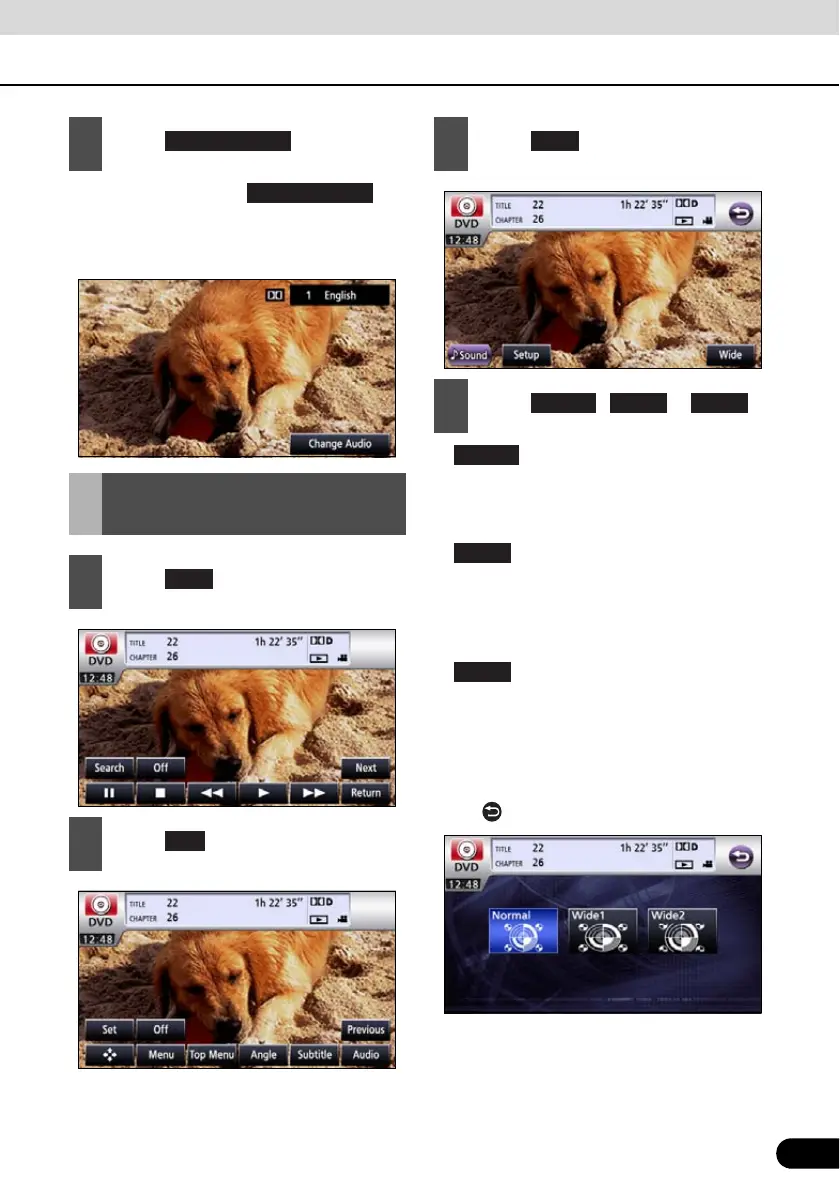
● Each time you touch , the
audio number is changed, and the audio
languages recorded on the disc are
toggled in sequence.
●
The screen is shown with the 3 (vertical)
by 4 (horizontal) aspect ratio (normal TV
screen size) and side edges are black.
●
The screen with the 9 (vertical) by 16
(horizontal) aspect ratio (normal TV screen
size) is uniformly expanded in the left and
right directions.
●
The screen with the 3 (vertical) by 4
(horizontal) aspect ratio (normal TV screen
size) is uniformly expanded in the up,
down, left and right directions.
● It will return to previous screen by touching
the .
3
Touch .
Switching DVD setting
display
1
Touch .
2
Touch .
Change audio
Next
3
Touch .
4
Touch , or .
Normal
Wide2
Wide1
Wide2



 To Next Page