155
155
You can fast forward/rewind the track
currently being played.
● To the right:
Fast forwards a track.
To the left:
Rewinds a track.
Fast-forwards (rewinds) until finger is
removed from switch.
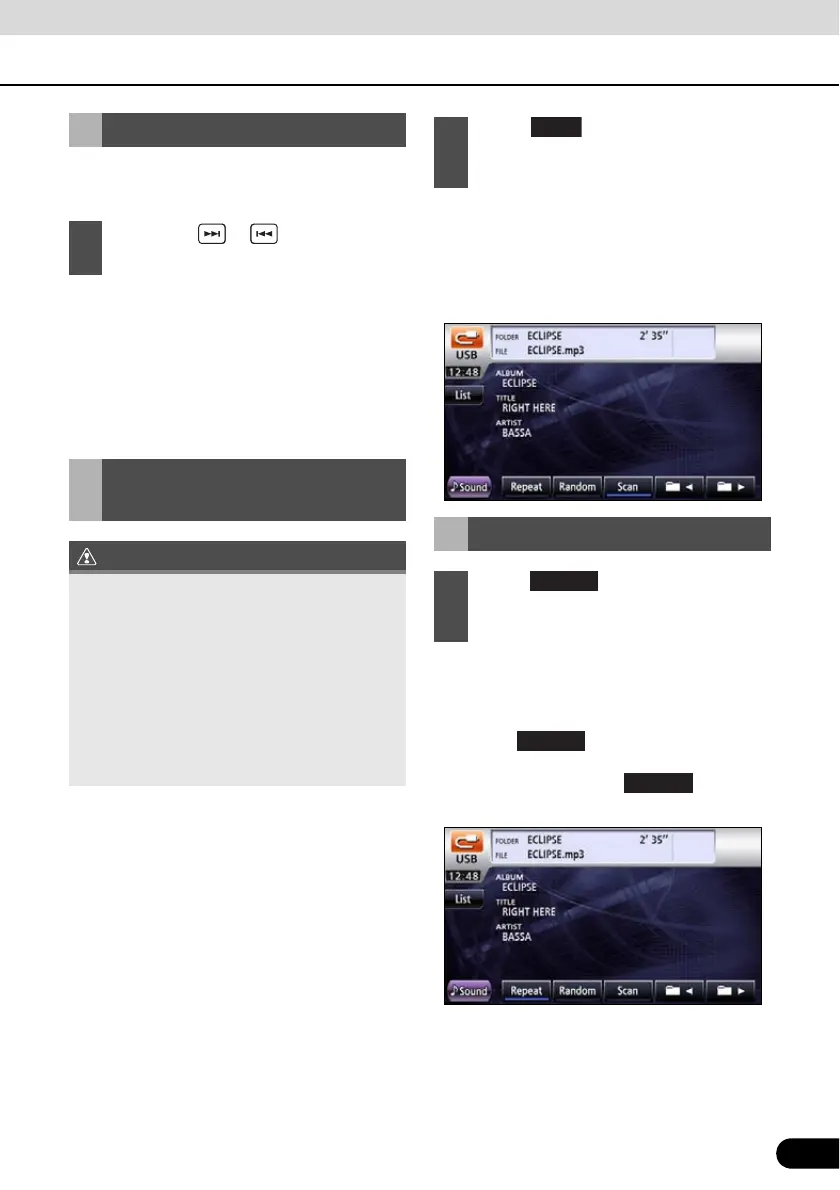
● Scan: Plays first 10 seconds of every file in
the same folder layer as the file being
played.
Folder scan: Plays the first 10 seconds of
the first file of each folder.
● Repeat: Repeats the current file.
Folder repeat: Repeats files of the current
folder.
● Touch once to repeat the
selected music file until the repeat function
is cancelled. Touch again to
cancel the repeat.
Fast Forward/Rewind
1
Hold down or for 1 or more
seconds.
Finding Desired Music
File
● When you have selected any of scan,
folder scan, repeat, folder repeat, random
or folder random, a corresponding
message of Scan, F.Scan, Repeat,
F.Repeat, Random or F.Random will
appear to allow you to confirm the selected
function.
● If you disconnect the USB memory from
this receiver when a music file from the
USB memory is being played, this receiver
returns to the previous operation mode.
1
Touch to perform a scan.
Touch and hold for at least 1 second to
perform a folder scan.
Repeating Music File
1
Touch for repeat. Touch and
hold for at least 1 second for folder
repeat.
Repeat
Repeat



 To Next Page