181
181
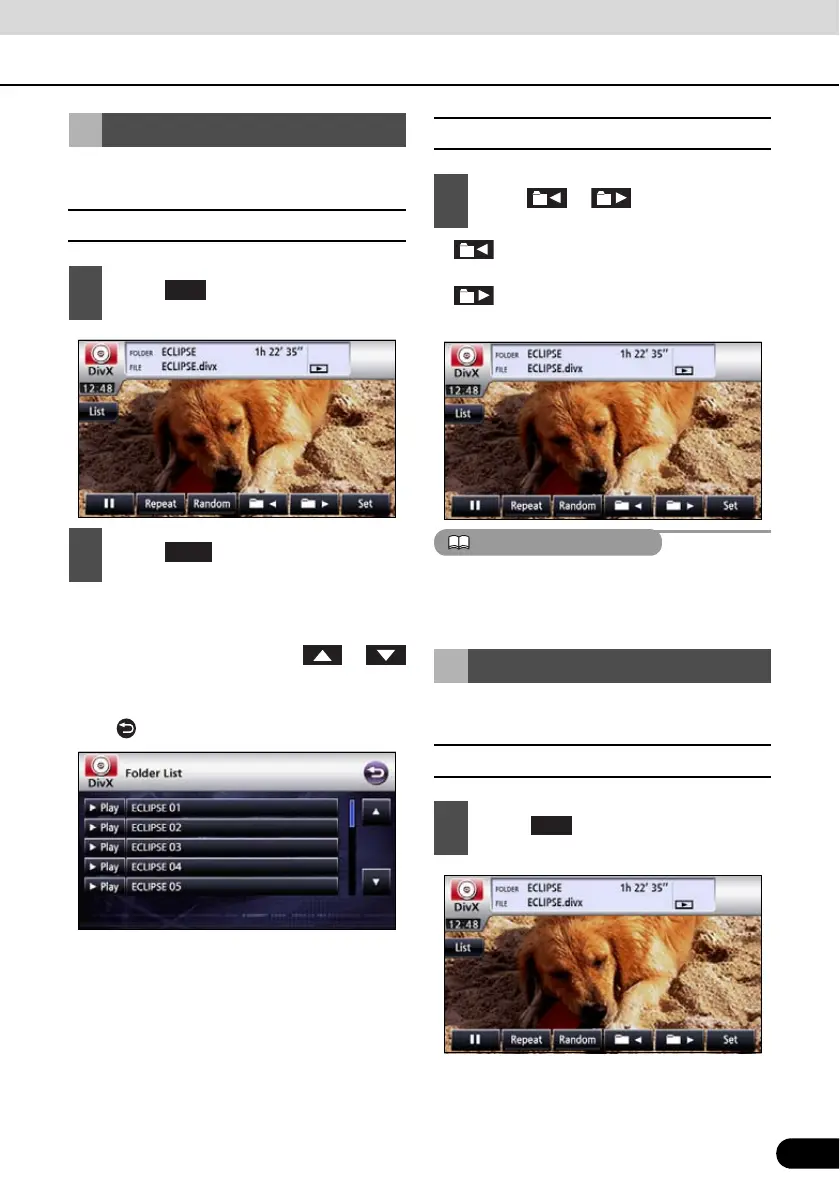
You can select a desired folder from the disc.
■ Select from the folder list
● Playback the video at the start of the
folder.
● Page will switch by touching or
if there is next page.
● It will return to previous screen by touching
the .
■ Select from continuous folder
● : Goes to the next higher folder and
plays the first video of this folder.
: Goes to the next lower folder and
plays the first video of this folder.
If there is no file in folder, “NO DATA” is
displayed instead of file name and folder
name.
You can select a desired file from the folder.
■ Select from file name switch
Select the folder to view
1
Touch .
2
Touch .
Play
1
Press or .
Select the file to view
1
Touch .



 To Next Page