136
136
About Remote Control
Other operations
Use a pair of AAA batteries.
f
[dPRESET CH u] button
[d DISC u] button
Performs an operation for selection
of the preset channel, for the disc,
USB or iPod.
g
[MODE] button
Switches among audio source
modes.
h
[DISC] button
Switches among DISC, USB and
iPod.
i
[AUX] button
Switch between VTR and BT Audio
j
[.] button
Increases volume (including hands-
free mode).
k
[d TUNE/SEEK u] button
[< TRACK >] button
Used to select among tracks from a
radio broadcast, DISC, USB or iPod.
Exchanging Batteries
To prevent accidents, keep batteries out of
the reach of children. In the unlikely case that
a child does swallow a battery, see a doctor
immediately.
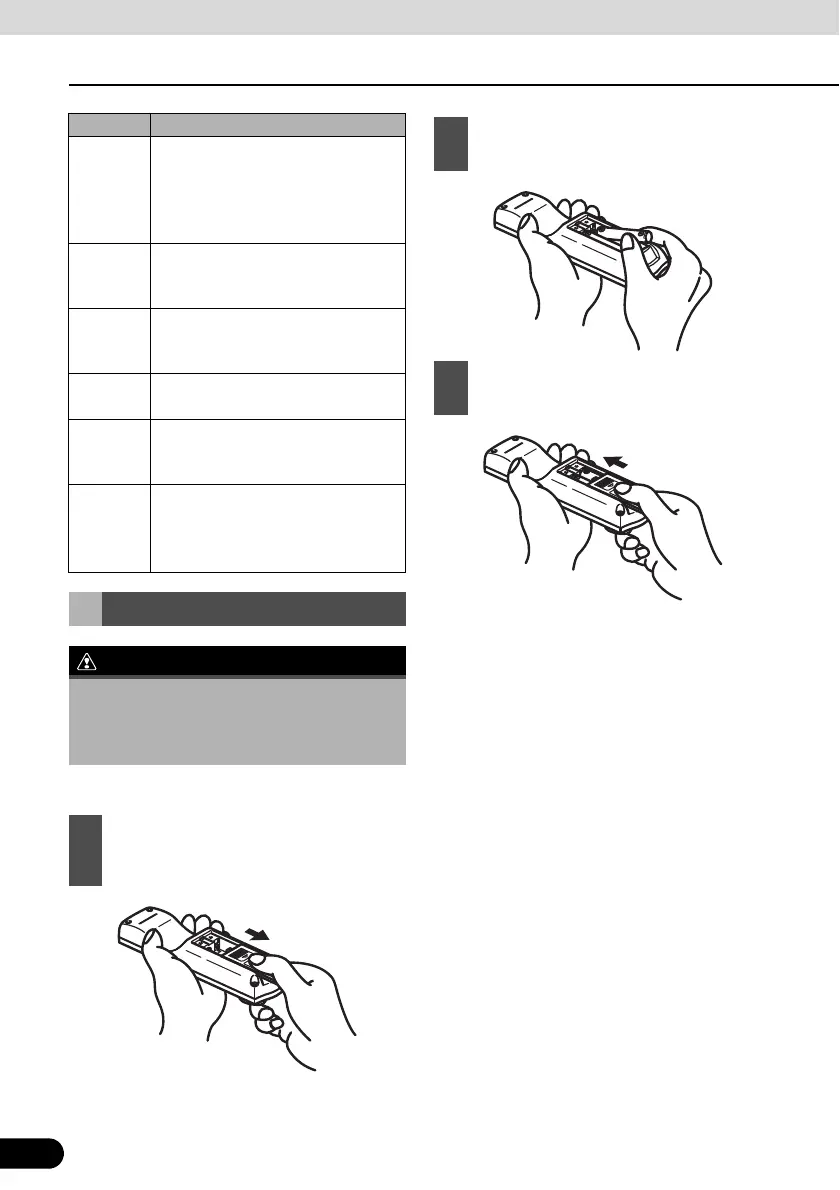
1
Open the rear panel of the remote
control by pushing in the direction of
the arrow.
Number Name/Function
2
Set the two batteries in the battery
compartment as indicated.
3
Close the battery case by pushing the
rear panel in the direction of the arrow.



 To Next Page