184
184
Using the DivX Player
Visual operations
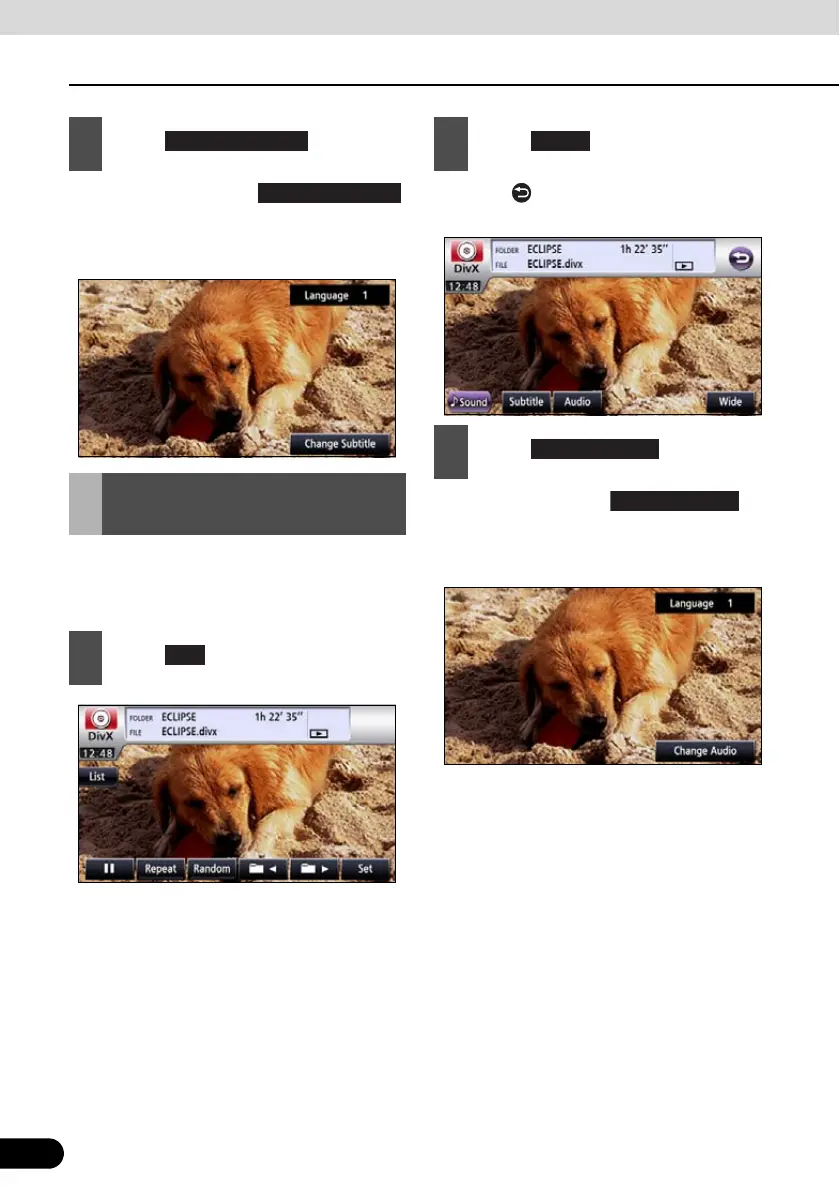
● Each time you touch ,
the subtitle number is changed, and the
subtitle languages recorded on the disc
are toggled in sequence.
If the target disc supports multiple audio
languages, you can change them while
playing.
● Touch to return to the immediately
preceding screen.
● Each time you touch , the
audio number is changed, and the audio
languages recorded on the disc are
toggled in sequence.
3
Touch .
Changing the Audio
Language
1
Touch .
Change Subtitle
2
Touch .
3
Touch .



 To Next Page