and registered, the unit will display current sensor values and start Wi-Fi
connect mode.
In Wi-Fi connect mode, the Wi-Fi signal icon will blink on and off and the
unit will attempt to connect to a previously configured Wi-Fi network. If the
network is not found, or none has been configured yet, it will stay in Wi-Fi
connect mode.
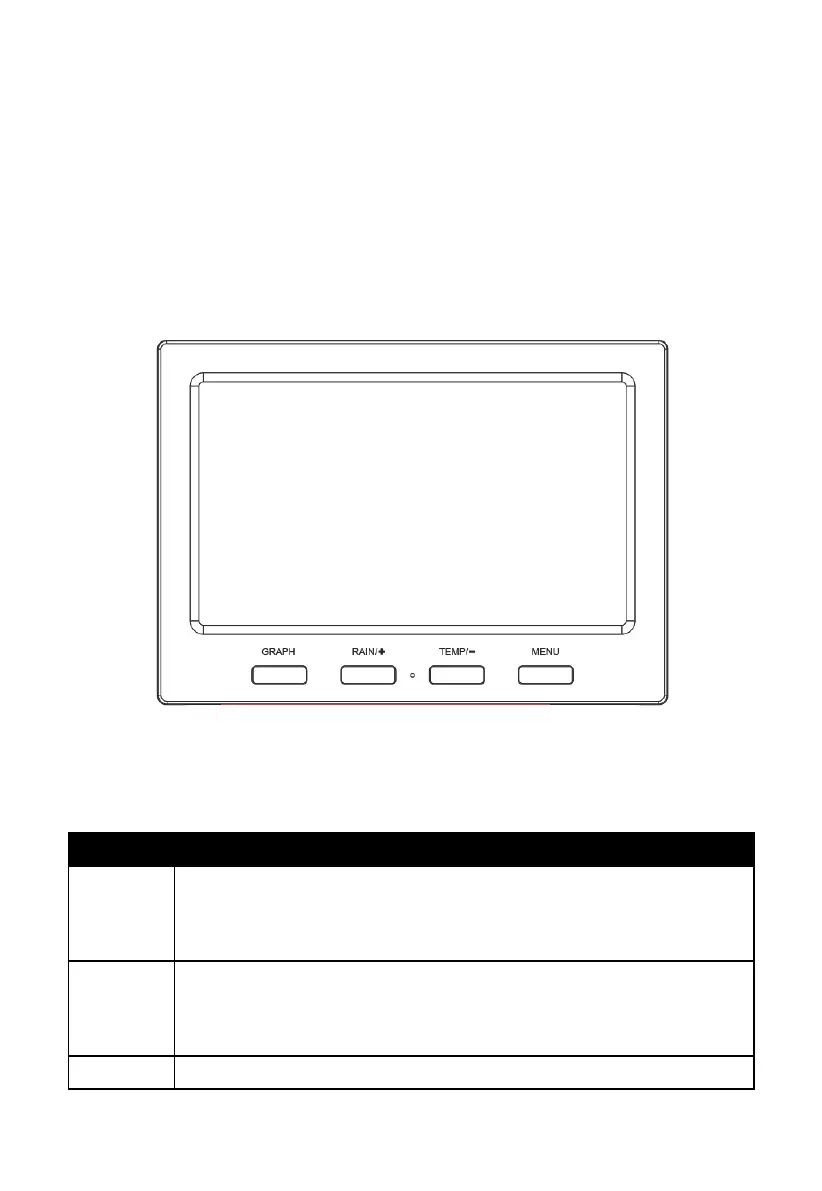
4.4.2 Key functions
Figure 15: Buttons around the display
There is a set of four keys on the bottom of the display console. The following
tables briefly explains the function of these keys.
Cycle between display of historical graphs of various weather
quantities (press repeatedly); also functions as a “next” button
in setup mode
Switch between display of various rain related quantities (press
repeatedly); also functions as a “+” or “increase” button while
in setup mode, and as a “select” button for various setup options



 To Next Page